









Top 12 Data Parsing Tools for AI
Top 12 Data Parsing Tools for AI



Charlie Klein
Top 12 Data Parsing Tools for AI
Top 12 Data Parsing Tools for AI
Charlie Klein


Most popular articles

Get structured, reliable data for your stack.
Top 12 Data Parsing Tools for AI
What are data parsing tools for AI?
Data parsing tools for AI convert raw content from websites, documents, databases, and files into structured formats that AI systems can use. For AI engineers, they reduce data preparation bottlenecks and help make retrieval, inference, and analytics workflows more reliable.
Top data parsing tools for AI include:
- Nimble AI Search API
- Firecrawl
- Tavily
- Jina AI Reader
- Diffbot Extract API
- LlamaParse
- Unstructured Partitioning
- Docling
- MarkItDown
- Apache Tika
- PyMuPDF
- pdfplumber
Raw data is rarely AI-ready. As AI teams move from prototypes to production, more of the work shifts to preparing data that agents, RAG systems, and analytics workflows can use reliably. If the data is incomplete, inconsistent, or poorly structured, even strong models can produce unreliable outputs.
One recent industry survey found that 41% of organizations cite data access and integration as the biggest barrier to AI progress. Parsing tools help address that challenge by turning raw inputs into structured fields, clean chunks, metadata, or schema-aligned outputs that AI systems can use.
As parsing becomes part of production AI infrastructure, teams need to decide whether to build and maintain parsing workflows internally or use managed tools. Open-source parsers can work well for early workflows, while managed tools now offer API-based parsing and configuration options that make them viable for production use cases. Choosing the right parsing tool for AI depends on what you need to parse, where it fits in your pipeline, and how much engineering ownership your team wants.
What are data parsing tools for AI?
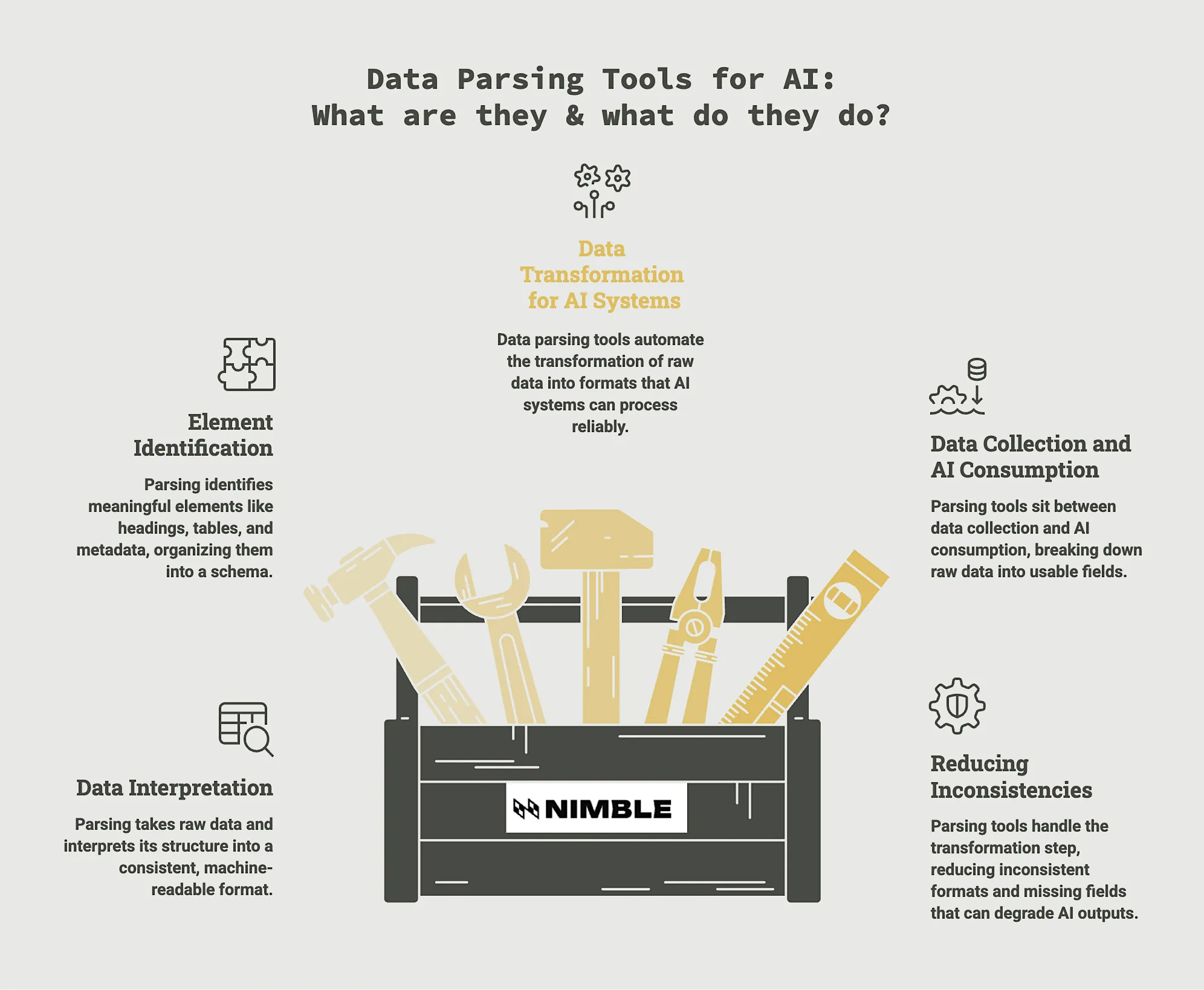
First, let’s get clear on what data parsing is and does. Parsing takes raw data and interprets its structure so it can be represented in a consistent, machine-readable format.
Rather than treating a webpage, PDF, or spreadsheet as one large block of content, parsing identifies meaningful elements, like headings, tables, metadata, product attributes, or document sections, and organizes them into a schema that downstream systems can process reliably.
What Data Parsing Tools for AI Do
Data parsing tools for AI automate this transformation by converting raw, unstructured, or semi-structured data into formats that AI systems can process reliably. These outputs include validated JSON, typed fields, markdown, document chunks with metadata, or other structured formats designed for retrieval, analytics, and model inference.
Data parsing tools sit between data collection and AI consumption. For example, a web scraper might collect thousands of product pages, but those pages still need to be broken into fields such as product name, price, availability, and reviews before an agent, RAG pipeline, or analytics workflow can use them reliably.
Parsing tools handle the transformation step, which reduces inconsistent formats, missing fields, ambiguous values, and other issues that can degrade AI outputs.
Where Data Parsing Tools Fit in the AI Pipeline
AI engineers and data engineers use parsing tools throughout the AI lifecycle. They help prepare training datasets, clean inputs before inference, structure content for vector databases, and improve retrieval quality in RAG systems.
In practice, this looks like parsing thousands of competitor product pages into a consistent schema for market intelligence, or converting complex PDFs into clean chunks with metadata that an AI assistant can retrieve accurately when answering questions.
Choosing the Right Data Tool for AI: Extraction vs. Parsing
Data extraction and data parsing are complementary stages of the same workflow, but they solve different problems. Extraction retrieves data from its source, while parsing interprets that data and reshapes it into formats that AI systems can retrieve, analyze, or pass into downstream pipelines. This table breaks down the key differences:
The line between the two types of data solutions is blurring because some platforms can handle both stages in a single workflow. Tools such as Nimble’s Web API can retrieve data from external sources and return it in structured formats, reducing the amount of transformation work required downstream.
3 Types of Data Parsing Tools for AI
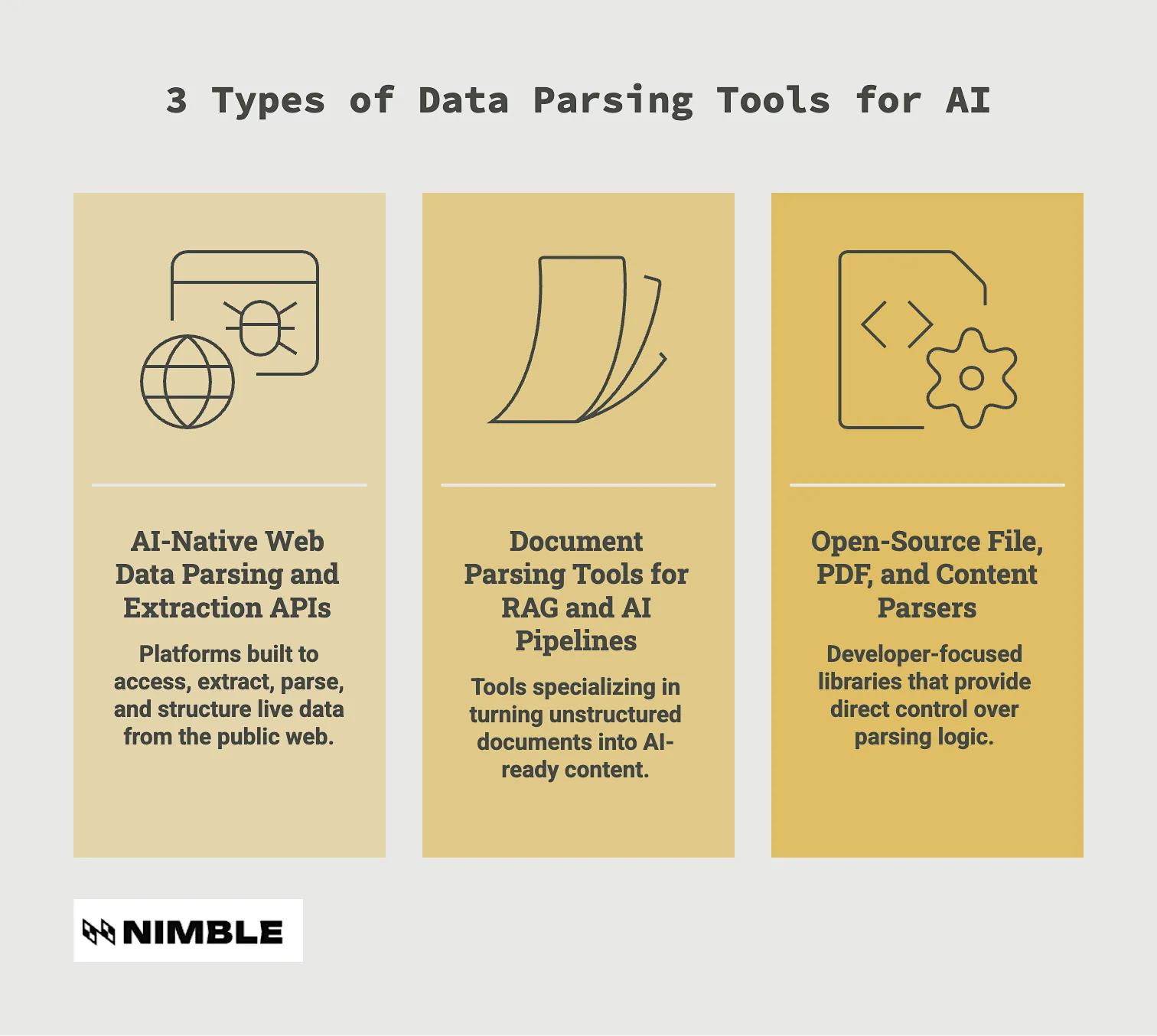
Not all parsing tools solve the same problem. Some are designed to work with live web data, others focus on documents, and some give developers low-level control over files and content processing. Understanding these three categories makes it much easier to choose a tool that fits your architecture.
1. AI-Native Web Data Parsing and Extraction APIs
These platforms are built to access, extract, parse, and structure live data from the public web. They typically combine search, crawling, extraction, and parsing capabilities into a single workflow, returning structured outputs that AI agents, analytics platforms, and downstream models can consume directly.
Common use cases include market intelligence, competitive monitoring, pricing analysis, product tracking, training data collection, and any workflow where fresh web data is part of the input.
2. Document Parsing Tools for RAG and AI Pipelines
These tools specialize in turning unstructured documents into AI-ready content. They handle PDFs, Office files, scanned documents, presentations, reports, tables, and other formats that are difficult for models to consume reliably in their raw form.
Document parsers are particularly important in RAG pipelines because retrieval quality often depends on how well documents are chunked, structured, and enriched with metadata.
3. Open-Source File, PDF, and Content Parsers
These data parsing tools are developer-focused libraries that provide direct control over parsing logic. Rather than offering a managed service, they give engineers the building blocks needed to extract text, metadata, tables, images, and other content from files and documents.
Open-source parsers are often chosen when teams need full control over processing workflows, custom transformation logic, or on-premises deployments.
Top Picks at a Glance
AI-Native Web Data Parsing and Extraction APIs
- Recommended for live web data parsing for AI agents and workflows: Nimble AI Search API
Document Parsing for RAG and AI Pipelines
- Recommended for production RAG pipelines: LlamaParse
Open-Source File, PDF, and Content Parsers
- Recommended for multi-format content extraction: Apache Tika
Best Data Parsing Tools for AI Compared
This sorted-by-category table provides a high-level view of where each tool fits, the output types it supports, its directional fit for AI and RAG workflows, and the engineering effort typically required to get value from it.
Top 12 Data Parsing Tools for AI (by Category)
AI-Native Web Data Parsing and Extraction APIs
Buyers for this category need live or web-based data converted into structured outputs that AI systems can use directly. They care about freshness, schema quality, API reliability, and how much downstream cleanup the tool removes.
1. Nimble AI Search API – Recommended for live web data parsing for AI agents and workflows
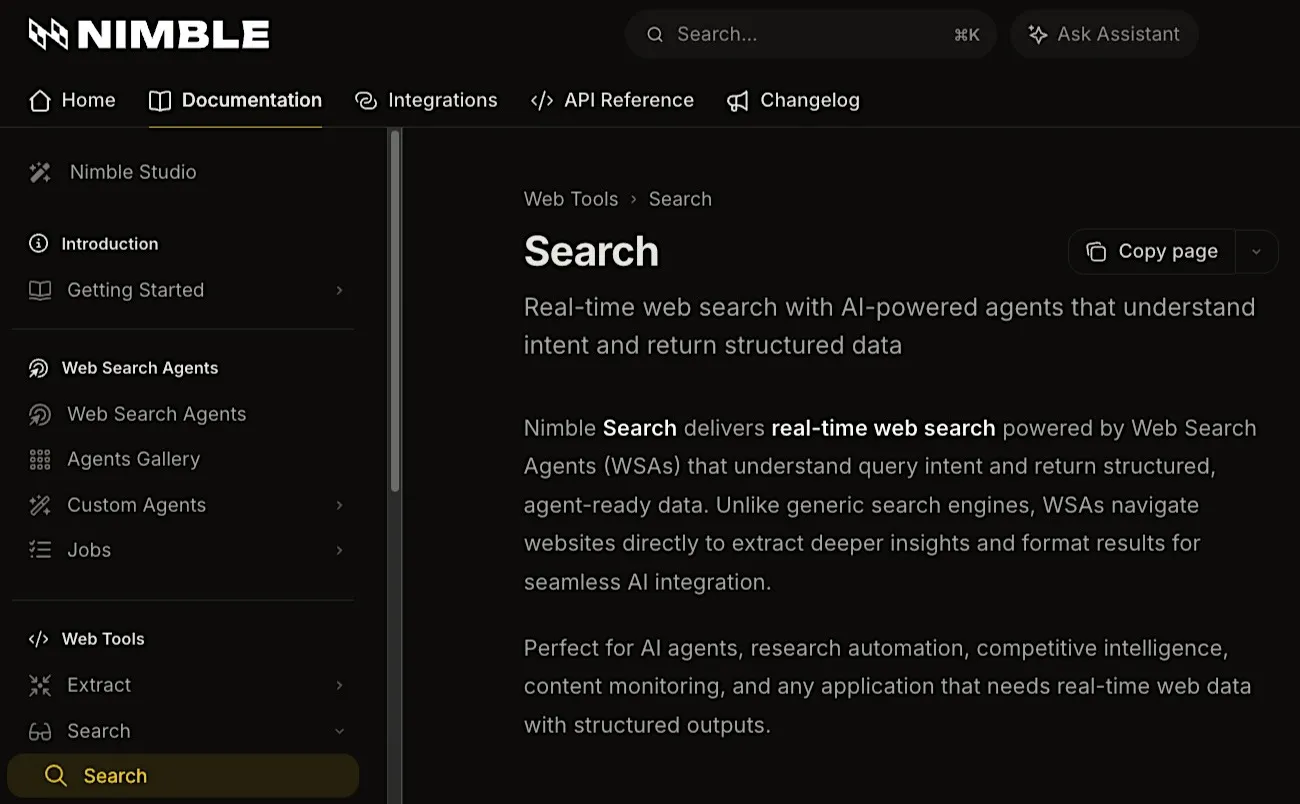
Nimble AI Search API is designed for AI agents and applications that need real-time web search with structured, agent-ready data. Instead of simply returning links or text snippets, Nimble uses Web Search Agents to navigate websites, extract relevant content, and return structured outputs for AI workflows, analytics pipelines, and downstream applications.
Main Features:
- Live web search using browser-based retrieval rather than cached indexes
- Search depth controls for titles, URLs, snippets, rich content, or full real-time page extraction
- Web Search Agents that transform web content into structured datasets
- JavaScript rendering and support for dynamic web content
- Focus modes for specialized searches, including shopping, news, academic, social, and location data
Review:
“Nimble’s data platform met our massive data needs out of the box, feeding our large Language models with relevant, high-quality data. This scalability has been crucial in developing more robust and reliable AI systems.”
2. Firecrawl – Recommended for AI-ready web content
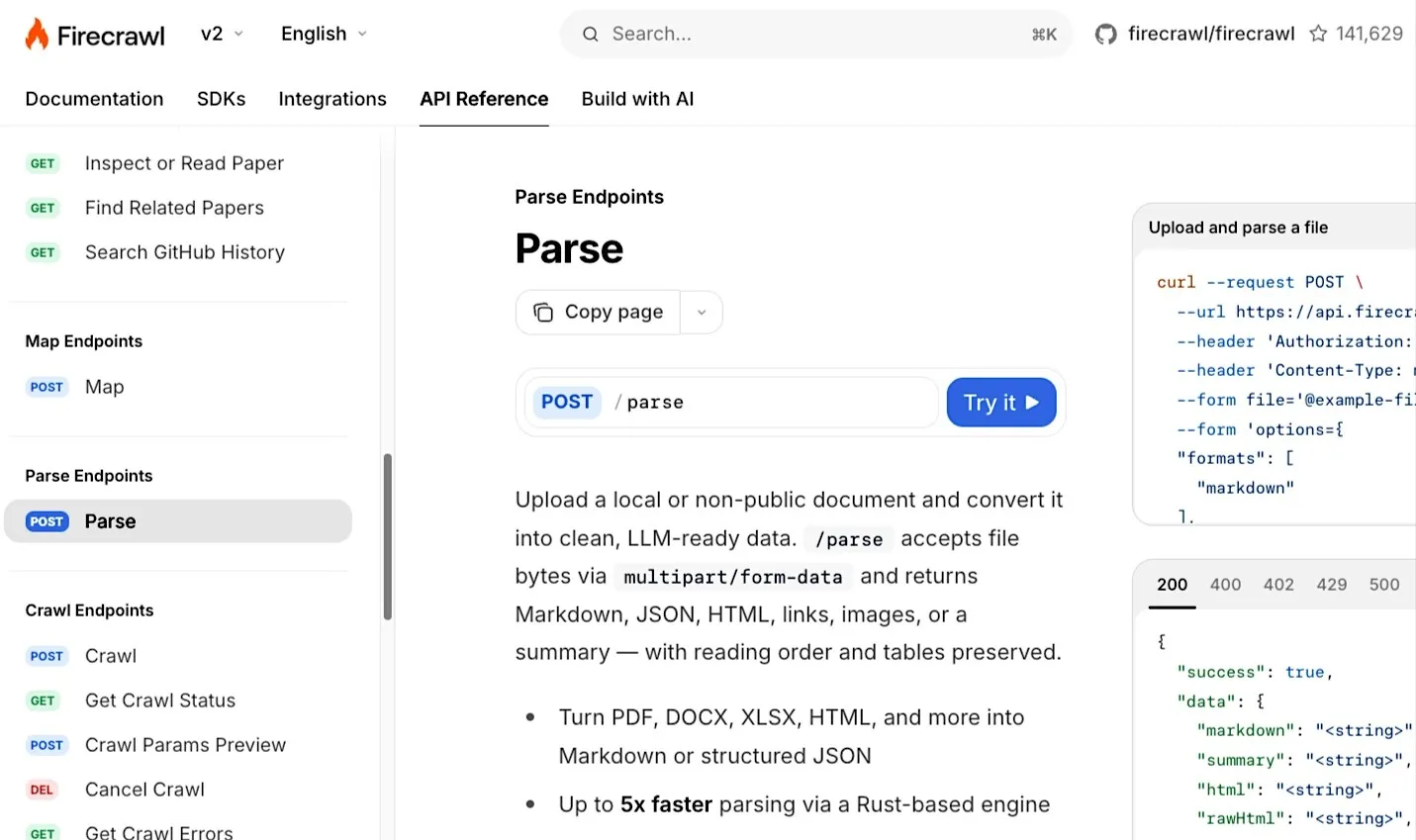
Firecrawl combines web search, scraping, crawling, and parsing into a single API designed for AI applications. It focuses heavily on returning LLM-ready outputs such as markdown, structured JSON, and schema-based extractions, while also supporting HTML and raw HTML when needed.
Main Features:
- Structured extraction into JSON using prompts or schemas
- Full-site crawling with automatic sitemap discovery
- Clean markdown, JSON, screenshots, and metadata outputs
- Dedicated Parse endpoint for PDFs, DOCX, XLSX, HTML, and other files
Review:
“Scraping and crawling the web cleanly is one of those unglamorous problems that quietly breaks everything if you get it wrong. Firecrawl gets it right.”
3. Tavily – Recommended for AI agent retrieval
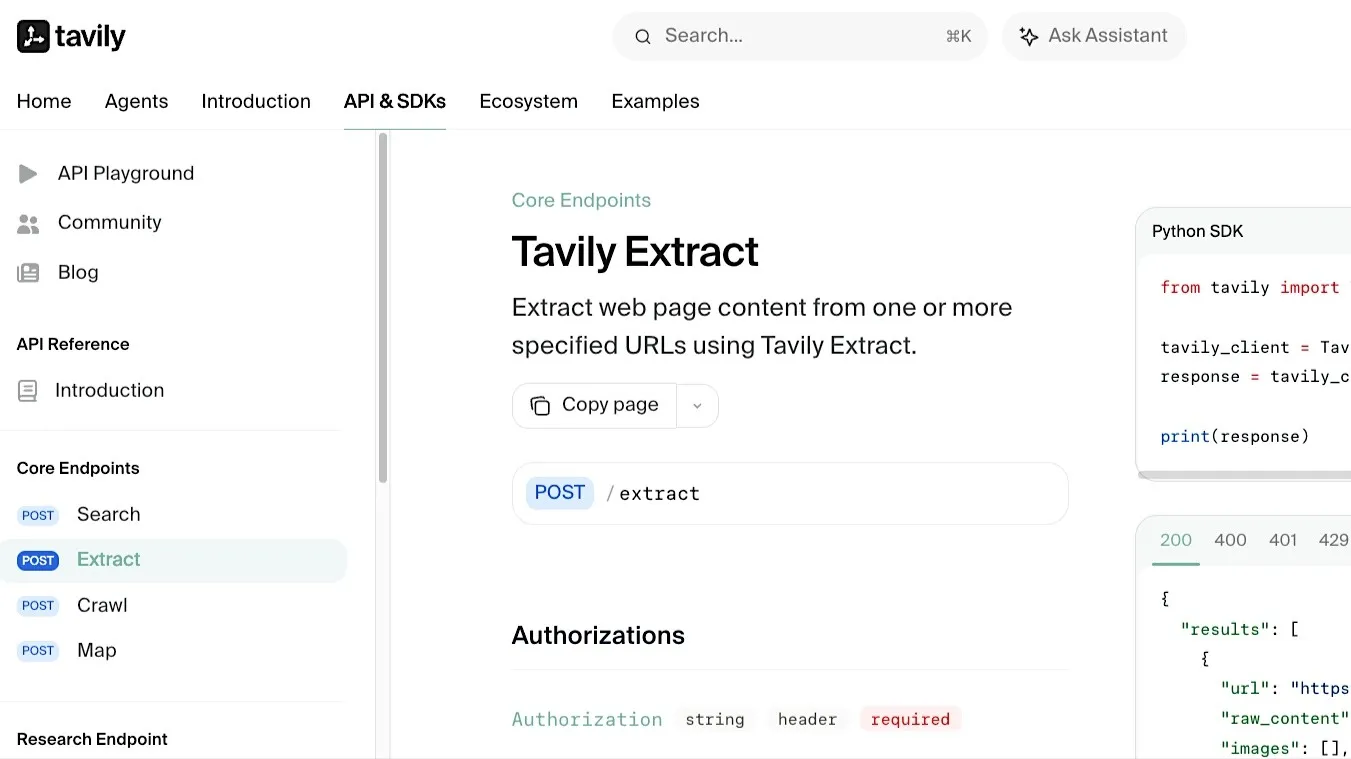
Tavily is an AI-focused search and extraction platform built specifically for LLM applications and agent workflows. It retrieves relevant web content for AI workflows and can extract clean markdown or plain text from URLs, reducing the amount of cleanup developers need before passing results into agents, RAG systems, or other downstream applications.
Main Features:
- AI-oriented web search API
- Content extraction from URLs
- Structured outputs designed for agent workflows
- Integration support for RAG and retrieval pipelines
Review:
“I use it to filter to a clean threshold, so my downstream LLM gets exactly the right amount of context, not too little and not too much. This was the missing piece in every other solution I tried.”
4. Jina Reader API – Recommended for lightweight web parsing
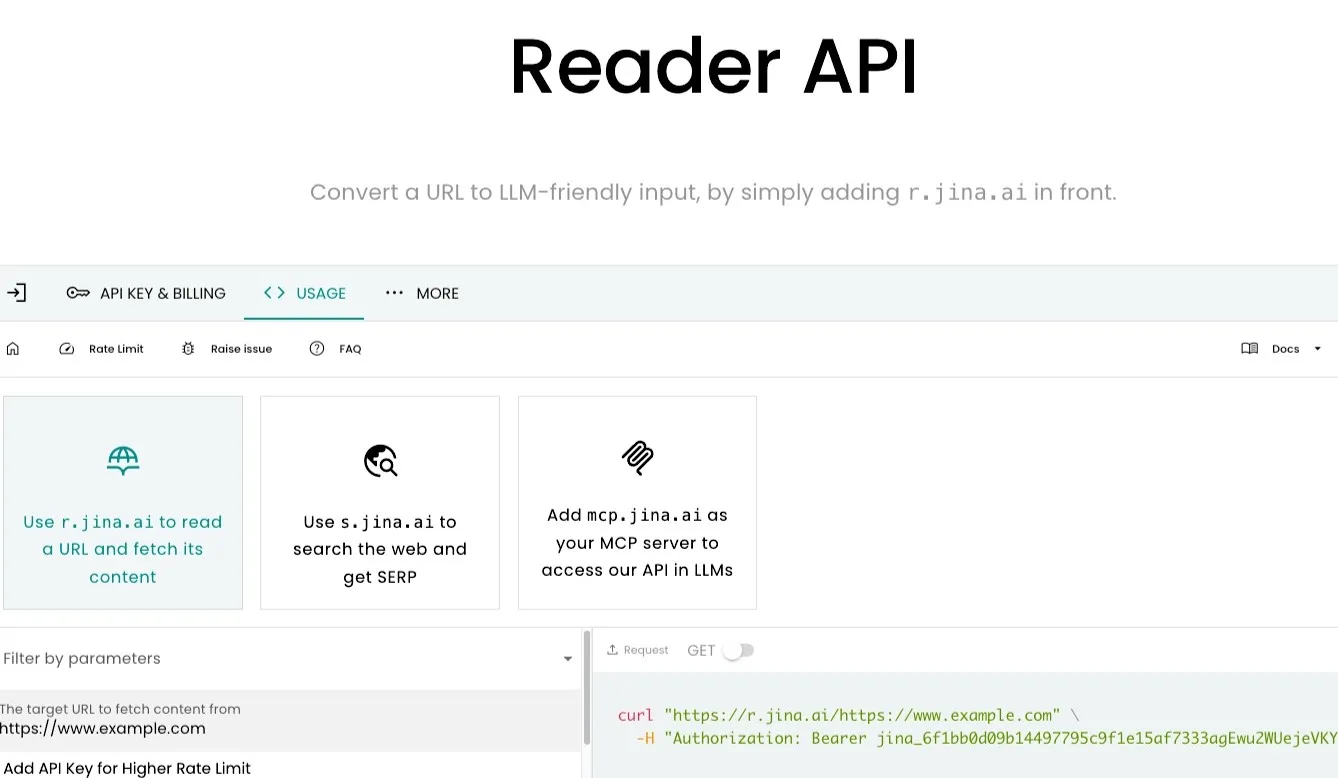
Jina.ai’s Reader API converts webpages into clean, LLM-friendly content using a simple URL-based interface. It removes navigation elements, ads, and page clutter while preserving the main content structure for LLM workflows.
Main Features:
- URL-to-LLM-readable content conversion
- Removal of navigation and page noise
- Markdown and JSON output formats.
- Simple URL-based access pattern
Review:
“For those wondering, Jina.ai Reader is something that makes it extra easy to turn a URL into LLM-friendly markdown output.”
5. Diffbot Extract API - Recommended for structured web extraction
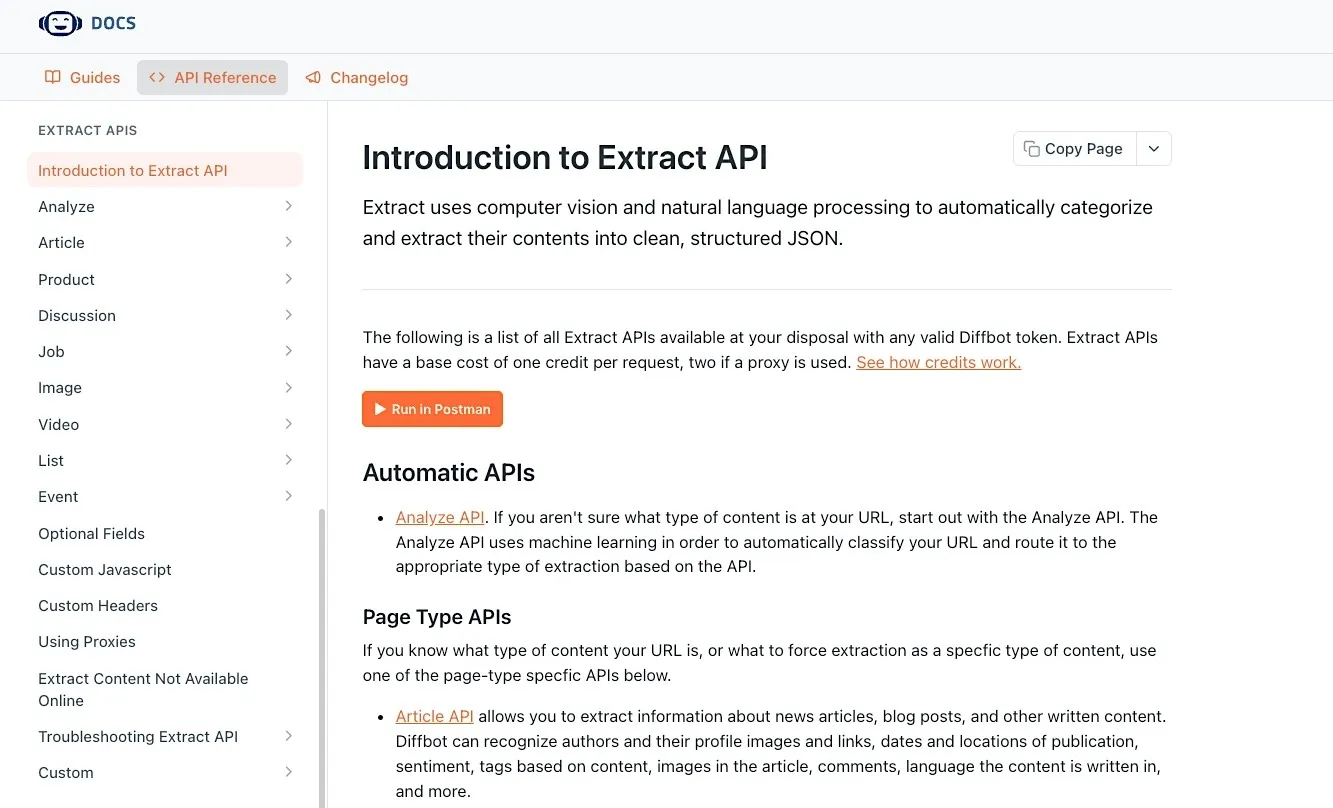
Diffbot leverages computer vision and natural language processing to categorize web pages and automatically extract their contents into clean, structured JSON. Rather than relying on page-specific selectors, it attempts to understand the content and return normalized records.
Main Features:
- Automatic page classification
- Structured extraction of articles, products, discussions, and events
- Machine-learning-based content identification
- JSON outputs with normalized fields
Review:
“Diffbot makes the difficult task of managing data and extracting useful information much easier.”
Document Parsing for RAG and AI Pipelines
Buyers looking for solutions in this category need to convert complex documents into LLM-ready formats. They’re concerned with layout preservation, table handling, OCR support, chunking quality, and clean integration into RAG workflows.
6. LlamaParse – Recommended for production RAG pipelines
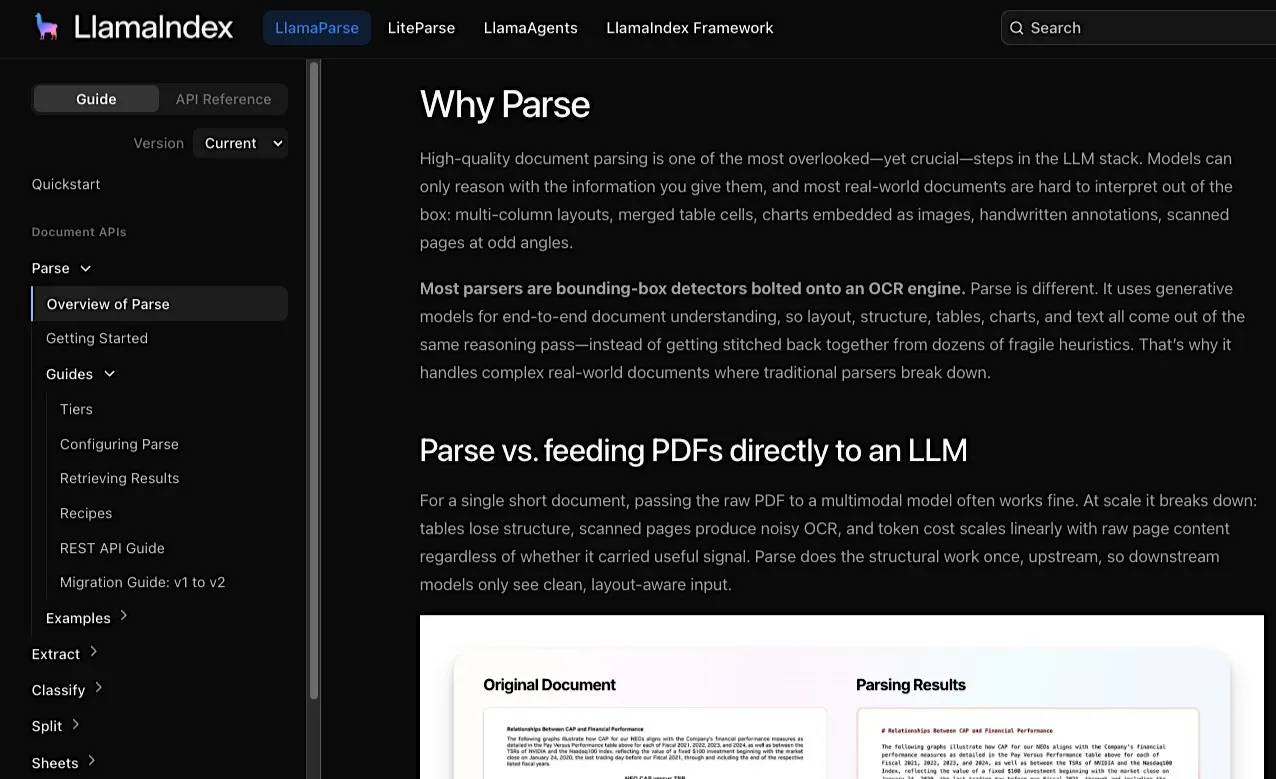
LlamaParse is a document parsing platform from LlamaIndex designed specifically for LLM and RAG workloads. It uses layout-aware OCR to parse PDFs, scans, tables, charts, and other complex documents into clean markdown, text, or JSON for downstream LLM workflows.
Main Features:
- Advanced PDF and document parsing optimized for LLM workflows
- Table, chart, and complex layout extraction
- Multiple parsing modes for balancing speed, accuracy, and document complexity.
- Native integration with LlamaIndex retrieval pipelines
Review:
“Its exceptional handling of nested tables, complex spatial layouts, and image extraction is crucial for maintaining data integrity in advanced RAG and agent-based model development.”
7. Unstructured Partitioning – Recommended for enterprise document ingestion
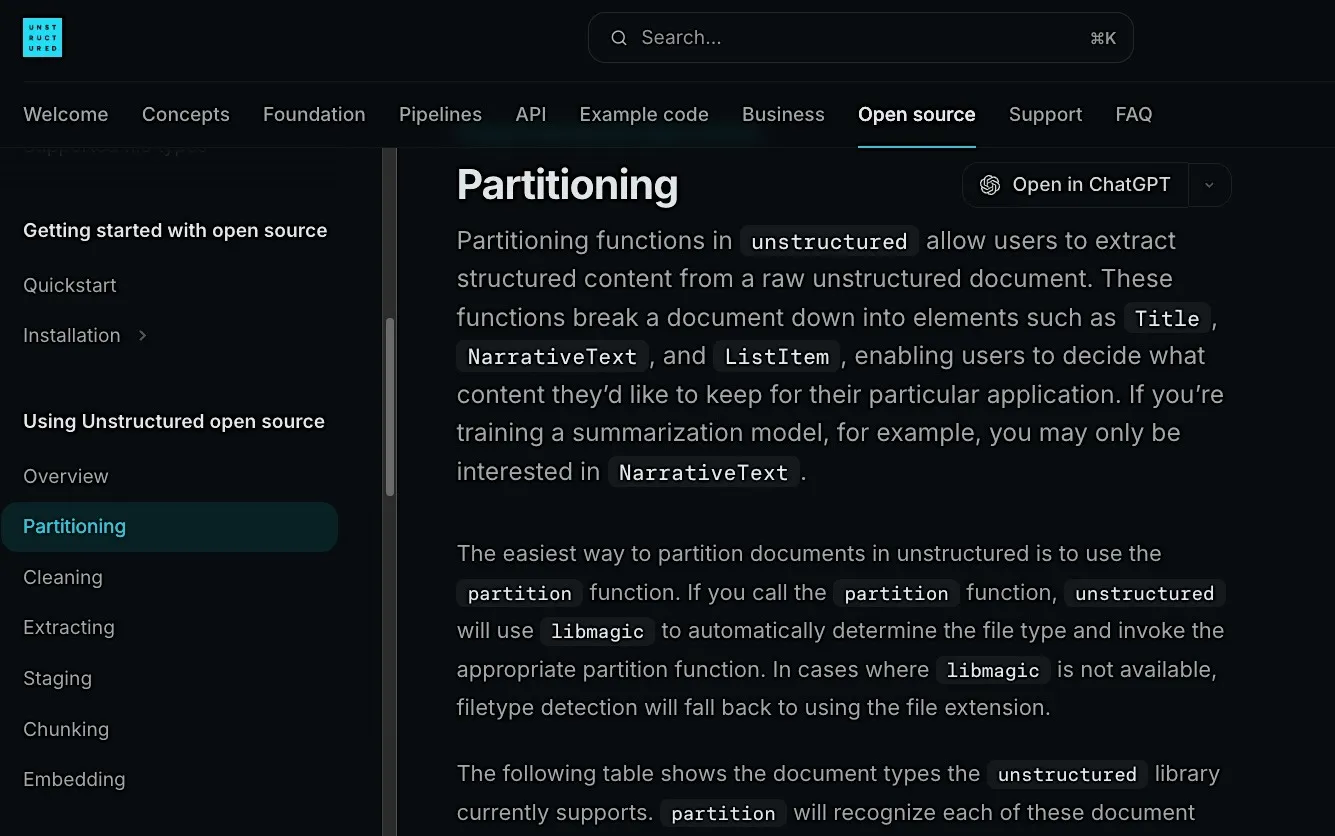
Unstructured's partitioning framework is one of the most widely used document preprocessing tools in modern AI pipelines. It breaks documents into structured elements such as titles, paragraphs, tables, lists, and metadata, making downstream chunking and retrieval significantly more effective.
Main Features:
- Partitioning for PDFs, Office documents, HTML, emails, and images
- Document element classification and metadata extraction
- Integration with vector databases and RAG workflows
- Open-source and enterprise deployment options
Review:
“Unstructured enhances the IBM watsonx ecosystem by accelerating time-to-value, making complex data clean and structured.”
8. Docling - Recommended for complex document parsing and conversion
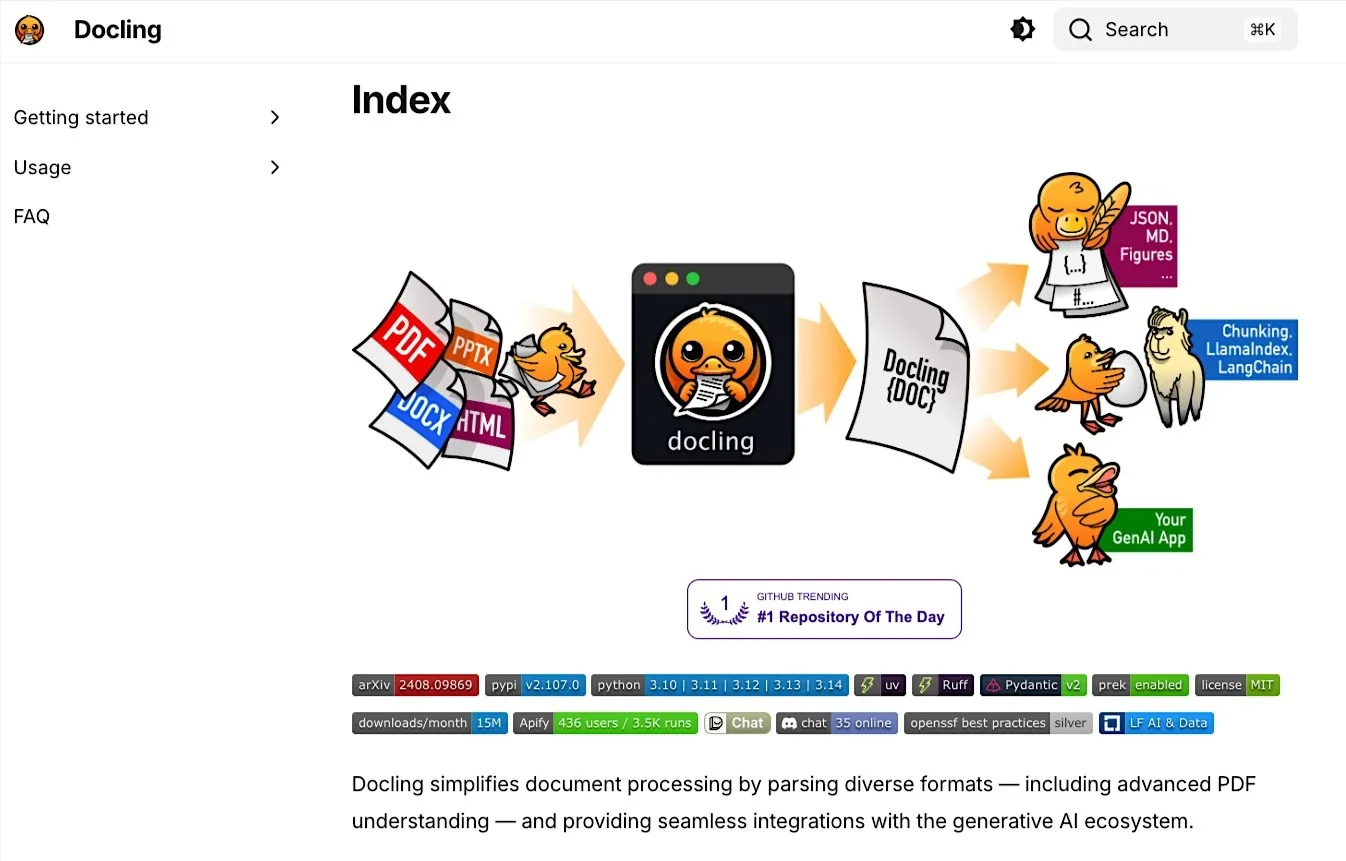
Docling is an open-source document processing toolkit focused on converting complex documents into structured, AI-friendly formats. It preserves document structure, tables, figures, and layout information throughout the parsing process.
Main Features:
- PDF, DOCX, PPTX, HTML, and image support
- Table and layout-aware extraction
- Unified DoclingDocument representation for downstream AI workflows.
- Export to markdown, JSON, and other downstream-friendly formats
Review:
“When you feed documents to a private AI, losing formatting or images leads to wrong assumptions and hallucinations. Docling’s next‑gen extraction solves that problem, making your AI responses more reliable.”
9. MarkItDown – Recommended for Markdown conversion for LLM workflows
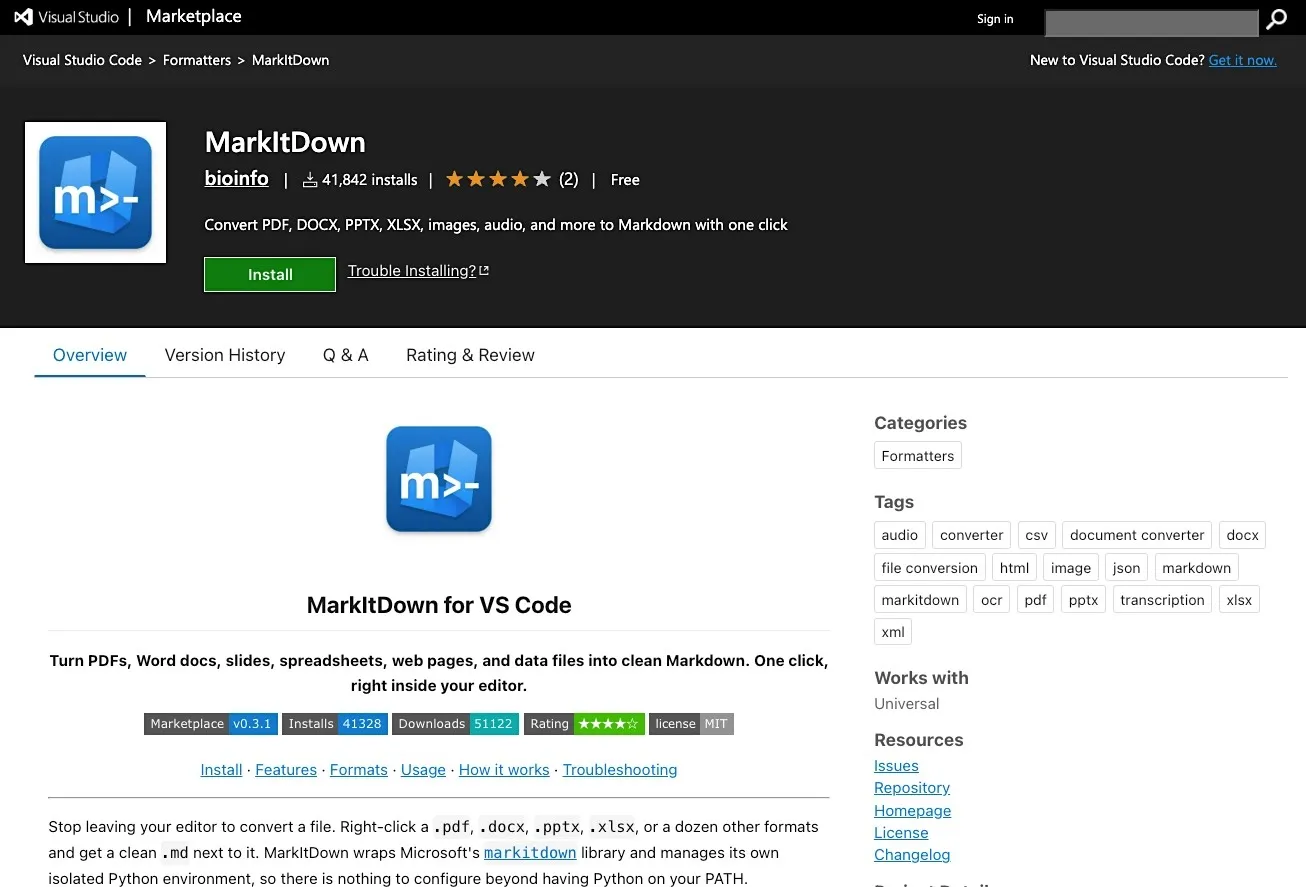
MarkItDown is Microsoft's open-source utility for converting a wide range of files into clean markdown. It focuses on converting common document formats into Markdown for LLM and text analysis pipelines while preserving important structure such as headings, lists, tables, and links.
Main Features:
- Converts PDFs, Office documents, images, audio, and HTML into markdown
- Designed for LLM and text analysis pipelines.
- Simple developer workflow and installation
- Open-source Python package
Review:
“Used (the Claude skill version) to convert multiple document types (PDF, XLSX, DOCX) to Markdown. Excellent documentation - clear installation steps and comprehensive API examples. Worked perfectly with both CLI and Python API.”
Open-Source File, PDF, and Content Parsers
In this category of data parsing tools for AI, buyers are usually developers who want control, transparency, and low-cost parsing infrastructure. Their concerns center around format coverage, library maturity, customization, and maintenance effort.
10. Apache Tika – Recommended for multi-format content extraction
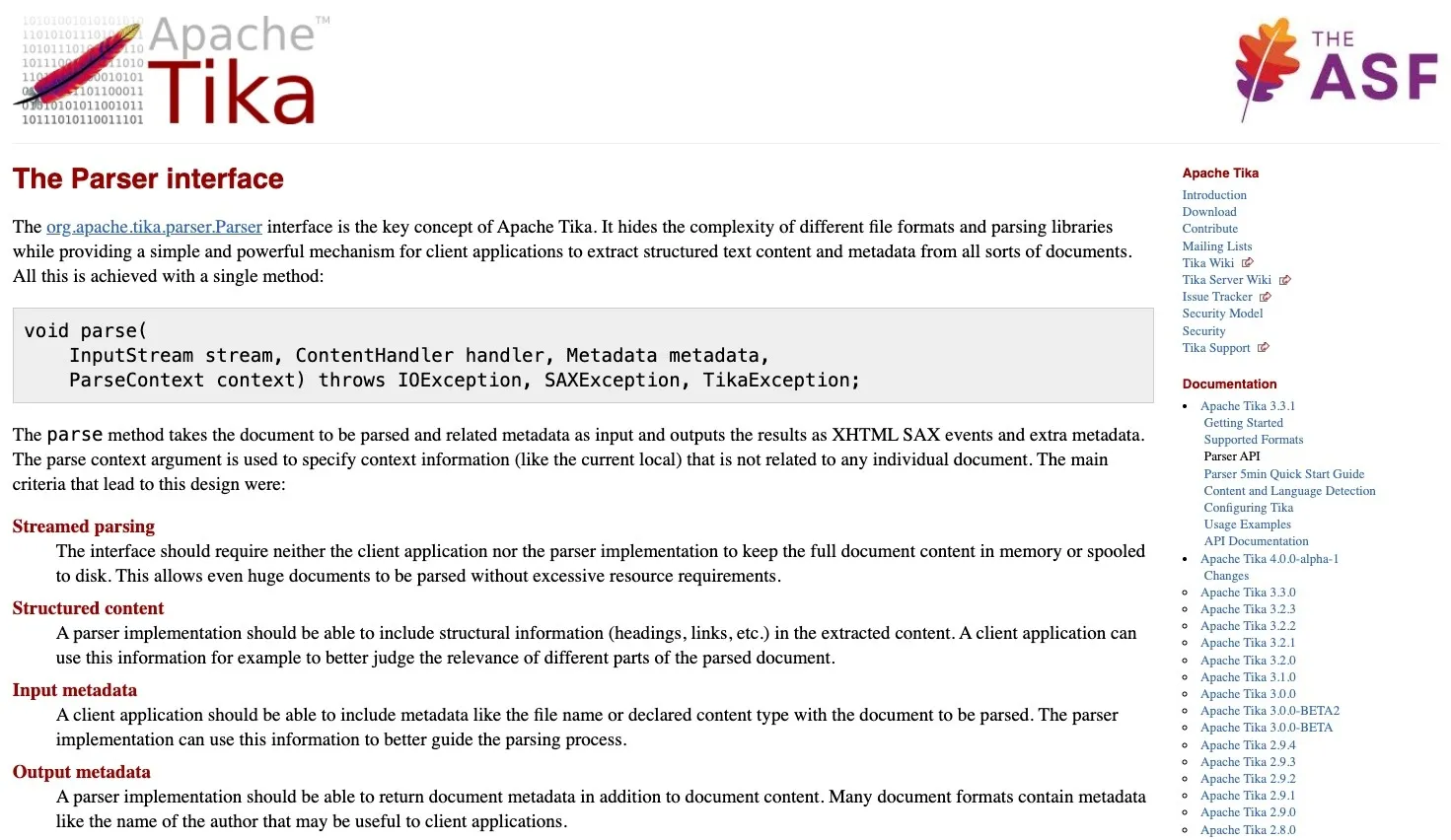
Apache Tika supports hundreds of file formats and is often used as a foundational component in search, indexing, content management, and data processing pipelines. Its broad format compatibility offers many advantages beyond deep AI-specific document understanding.
Main Features:
- Text and metadata extraction from hundreds of file formats
- Automatic file type detection
- Support for PDFs, Office files, emails, archives, and multimedia content
- Java API and REST server deployment options
Review:
“The Tika application container can be utilized as an order line utility for separating text content and metadata from a wide range of documents. These record types can be parsed through a solitary point of interaction.”
11. PyMuPDF – Recommended for PDF-heavy AI workflows
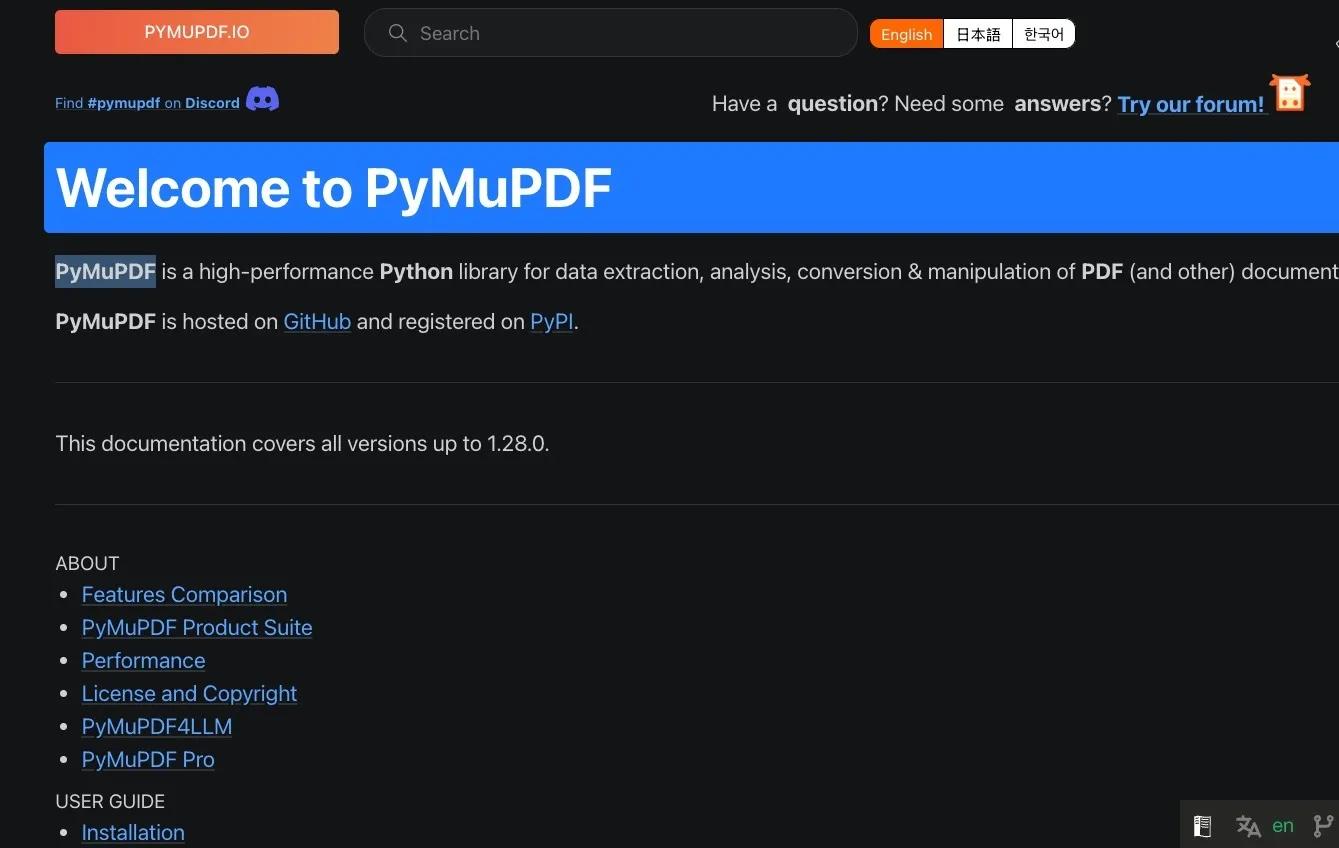
PyMuPDF is a high-performance Python library for working with PDF and document content. It gives developers fine-grained control over text extraction, page structure, annotations, images, and metadata, making it a popular choice for custom document processing and AI data preparation workflows.
Main Features:
- Fast PDF text extraction
- Access to images, metadata, annotations, and page objects
- Support for PDF, XPS, EPUB, MOBI, and other document formats
- Fine-grained page-level processing controls
Review:
“We automatically run the PyMuPDF test suite every day on multiple machines (Windows, Linux, and MacOS), and many thousands of people are using PyMuPDF around the world without basic problems.”
12. PDFplumber – Recommended for table extraction from PDFs
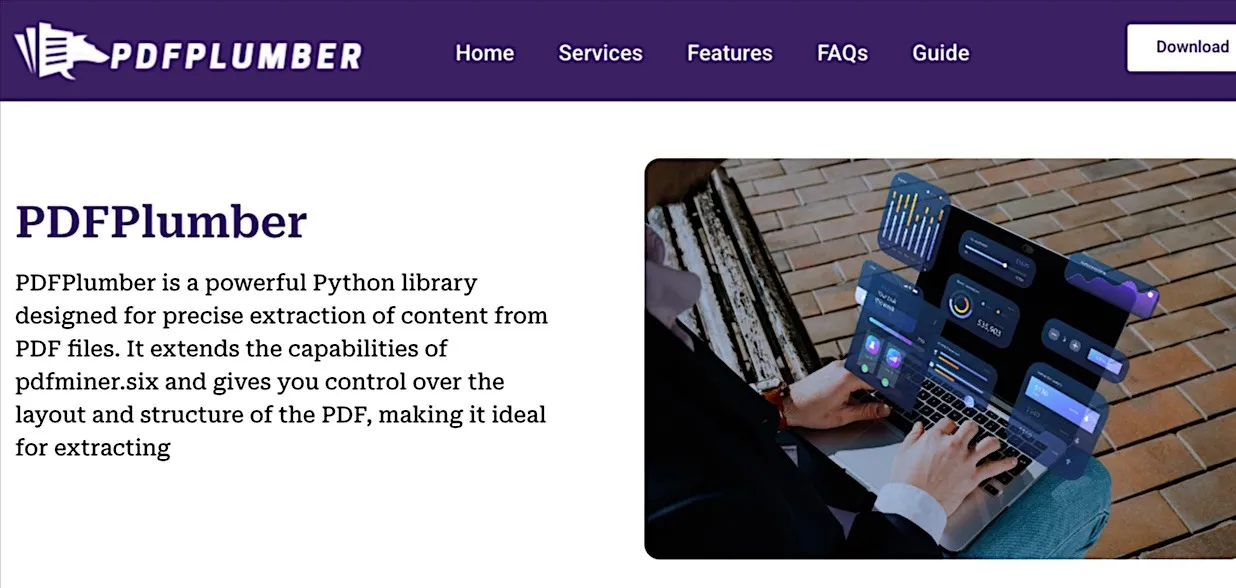
PDFplumber focuses specifically on extracting structured information from PDFs, particularly tables and page layouts that can be difficult to process accurately with generic PDF tools. It is widely used in analytics, finance, and document-processing workflows where preserving tabular data is important.
Main Features:
- Table extraction from PDFs
- Character-, word-, and line-level document inspection
- Visual debugging tools for PDF layouts
- Built on top of pdfminer.six for detailed PDF analysis
Review:
“Thank you for keeping this library going. The experimental "extract words” capability was a great help in a recent project. We had to deal with some docs that had a lively variety of fonts, so being able to break words on font characteristics was really useful.”
How We Compared These Tools
We evaluated each data parsing tool for AI using publicly available documentation as of 25 June 2026. Because data parsing tools serve fundamentally different purposes, we evaluated them within their own category rather than against a single universal checklist.
What we reviewed:
- Official documentation and developer guides
- Vendor feature pages and implementation references
- Supported input and output formats
- API capabilities and SDK availability (where applicable)
- GitHub repositories (where applicable), documentation quality, and project maturity for open-source tools
- Credible third-party sources
How we compared these tools:
For AI engineering teams, our evaluation considered how well each tool fits into modern AI pipelines, including RAG systems, AI agents, analytics workflows, and production AI workflows.
Each category had its own evaluation focus:
- AI-Native Web Data Parsing and Extraction APIs – How effectively does the platform retrieve live web data and convert it into structured, AI-ready outputs? We also considered schema quality, extraction accuracy, API design, scalability, and suitability for AI agents, analytics pipelines, and production inference workflows.
- Document Parsing Tools for RAG and AI Pipelines – How well does the tool preserve document structure across PDFs, Office files, scanned documents, tables, and other complex formats? We also evaluated OCR capabilities, metadata preservation, chunking readiness, and how suitable the outputs are for retrieval and embedding workflows.
- Open-Source File, PDF, and Content Parsers – How broad is the supported file format coverage, and how much flexibility does the library provide developers? We also considered project maturity, documentation quality, community adoption, customization potential, and the engineering effort required to build production-ready parsing pipelines.
We did not perform hands-on benchmarks for every tool. Where capabilities were not clearly documented by the vendor or supported by credible technical sources, we avoided making definitive claims or attributing features that could not be independently verified.
Data Parsing Tools: The Foundation of AI-Ready Data
Choosing the right data parsing tools for AI ultimately comes down to three things: your data environment, your pipeline architecture, and how much engineering overhead your team can realistically absorb. Whatever category fits your use case, the non-negotiable is clean, structured, validated output, because errors at the parsing layer compound across retrieval, analysis, and model outputs.
For AI teams working with live web data, Nimble AI Search API helps reduce the complexity of turning web content into structured data for AI workflows. Rather than stitching together separate search, extraction, and parsing components, teams can retrieve structured web data through a single workflow. The result is that agents, RAG systems, analytics platforms, and model pipelines can work with current, structured information instead of stale snapshots, raw HTML, or unprocessed text.
Book a demo to see how Nimble AI Search API helps AI teams parse live web data into structured, AI-ready outputs for production workflows.
FAQ
Answers to frequently asked questions

%20(1).webp)
.avif)
.webp)
.webp)

.webp)