









Top 8 Data Extraction Software


Tom Shaked
.webp)
Top 8 Data Extraction Software
Tom Shaked


Most popular articles

Get structured, reliable data for your stack.
What happens to your ecommerce business when your internal scrapers begin to fail faster than your team can fix them? Here’s an all-too-common scenario: a pricing analytics team at a large online retailer builds internal scrapers to track their competitors. Within weeks, half of them stop working after layout shifts and proxy failures.
Engineers spend many hours patching code and cleaning up uneven results instead of analyzing the underlying issues. When the next pricing cycle comes around, the data is already stale. Leadership is forced to make crucial decisions with only partial visibility, causing sales to plummet.
Data extraction software solves these problems by delivering stable, automated extraction that continues to work even when internal scrapers fail. It automates navigation, collection, and validation, which means the output arrives structured and ready for analysis. The demand for data extraction software is growing, and its global market is projected to reach $2.5 billion by the end of 2025. With demand like this, it’s clear that your teams should be using data extraction software because your competitors probably are.
For teams that rely on real-time intelligence, dedicated extraction software turns the web into a dependable data source. It provides consistent, structured output without the constant fixes and maintenance internal scripts require. Let’s take a closer look at the top eight data extraction software available today.
What is data extraction software?
Data extraction software handles the heavy lifting of pulling information from websites, documents, APIs, and other sources. The output is delivered in consistent, analysis-ready formats, so teams can use it immediately in analytics or AI workflows.
These tools collect the raw data, clean it, and transform it into a format that teams can use immediately. The software handles the routine challenges of scraping and extraction. It maintains selectors, manages proxy networks, standardizes formats, and validates fields before the data enters production.
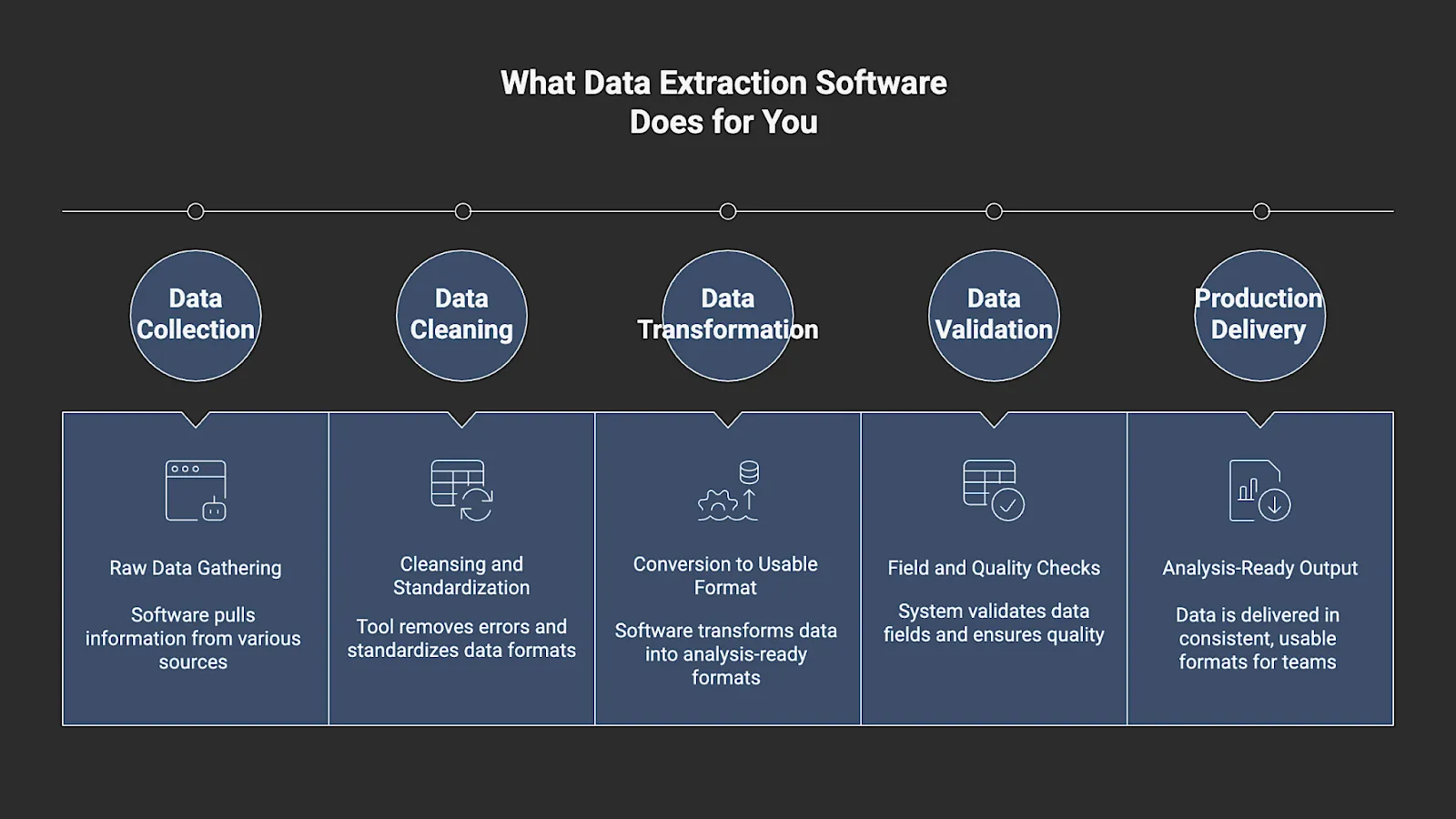
Extracted data is seamlessly integrated into analytics workflows, model training, or internal systems. Most platforms support frequent refresh cycles and can operate at enterprise scale without requiring constant engineering oversight.
Data extraction software is a stable and reliable alternative to in-house scripts that often break when a site structure changes or network conditions fluctuate. It’s built for teams that need consistent, clean, and repeatable access to large volumes of real-time data and business units that depend on up-to-date competitive intelligence.
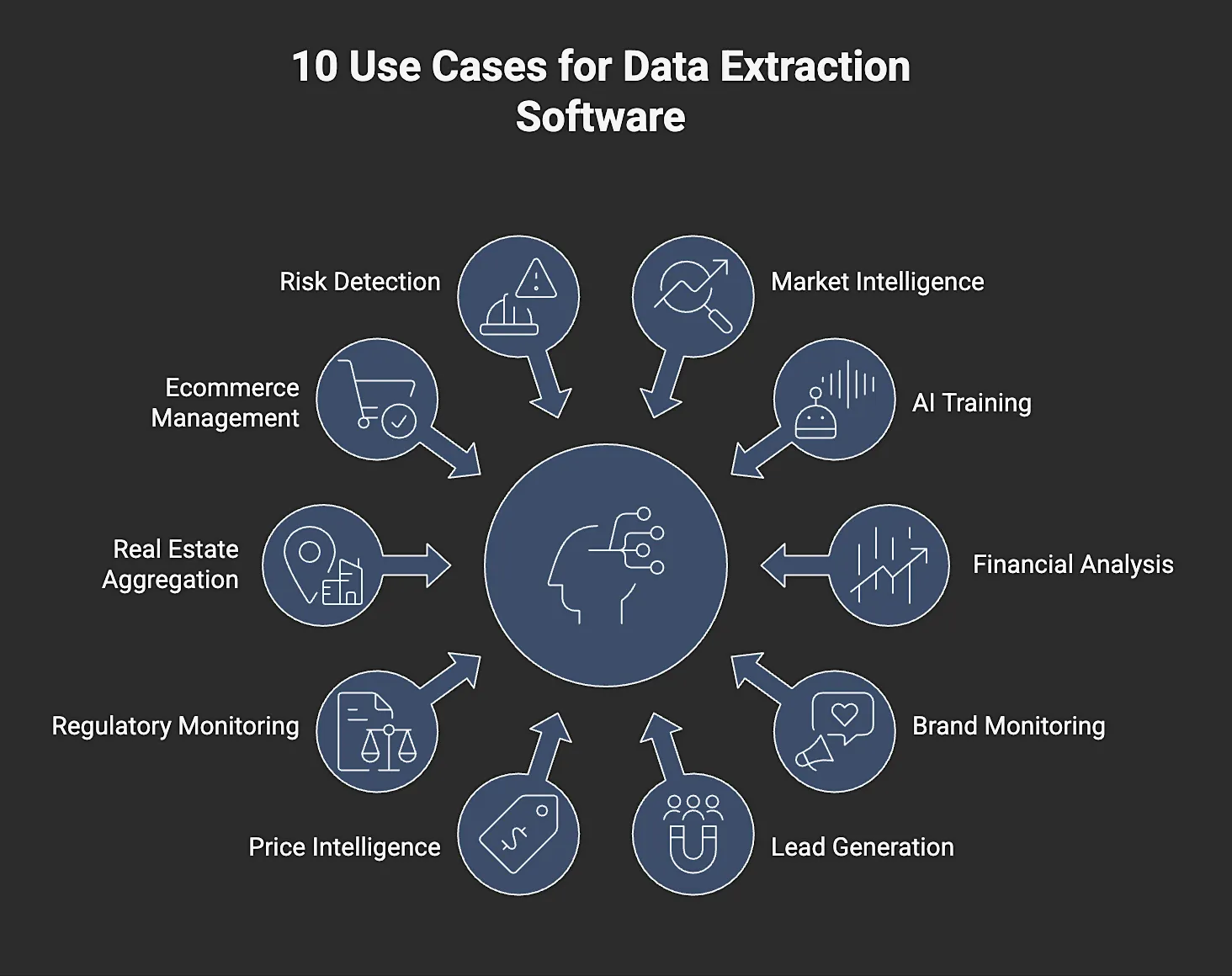
10 Use Cases for Data Extraction Software
1. Market and Competitive Intelligence
Enterprises are constantly tracking pricing, promotions, stock movement, and new product releases across thousands of competitor pages. Extraction software keeps this data fresh by allowing teams to run daily or hourly updates at scale. Fresh data enables executives to make informed decisions based on the current conditions rather than relying on outdated reports. Having reliable updates gives teams continuous visibility into shifting market conditions.
2. AI and LLM Training Data Pipelines
AI/LLM models need clean, diverse, and continuously updated datasets for training. Extraction software can supply structured text, product information, public reviews, or knowledge sources. Validated fields and a predictable structure reduce preprocessing time and improve the reliability of downstream models. Data that arrives validated and normalized reduces the time spent on preprocessing and improves model performance.
3. Financial and Alternative Data Analysis
Asset managers and research firms pull information from filings, real estate listings, market activity signals, and public sentiment. Extraction tools support scheduled collection, provide predictable schemas, and help reduce the risk of missing critical updates during market shifts.
4. Brand Monitoring and Sentiment Analysis
Marketing and insights teams track reviews, comments, influencer and social media marketing activity, and public discussion. They require comprehensive, consistent coverage across extensive volumes of user-generated content. Extraction software consolidates this data and provides a single structured feed.
5. Lead Generation and Market Research
Some teams utilize extraction software to compile lists of potential leads or to identify vendors in a new market. It gives them a faster way to collect public profiles and basic business details without doing it manually. Structured fields make it easy to route this data into CRM and project management systems or enrichment workflows without additional formatting.
6. Price Intelligence and Dynamic Pricing
Retailers and CPG brands require accurate, real-time competitor data to adjust their prices effectively. Extraction software offers the repeatability needed to feed pricing engines without delays or gaps. The structured pricing fields it provides also reduce the risk of inaccurate inputs that can disrupt automated pricing models.
7. Regulatory and Compliance Monitoring
Industries such as finance, healthcare, and travel must track regulatory updates in near real time. Extraction platforms enable consistent and repeatable checks across regulatory sources, thereby reducing the risk of missed updates.
8. Real Estate and Inventory Aggregation
Property and inventory platforms pull data from thousands of listings at once, which is hard to maintain with in-house scripts. Extraction software keeps the crawl running by updating listings as they change and removing the need for engineers to constantly fix broken selectors or blocked requests. Normalized listing data ensures consistent attributes across sources, which makes large-scale inventory aggregation far more reliable.
9. Ecommerce Catalog Management
Retailers collect product details from suppliers, partners, and public listings to keep their catalogs complete. Extraction software consolidates these inputs and maps fields to the retailer’s required attributes and taxonomy to maintain the consistency of e-commerce catalogs. consistency.
10. Risk and Fraud Detection
Companies often track signals such as abnormal vendor activity patterns, unexpected pricing shifts, and unusual transaction behavior. Extraction software provides the raw data needed for automated risk scoring and fraud detection.
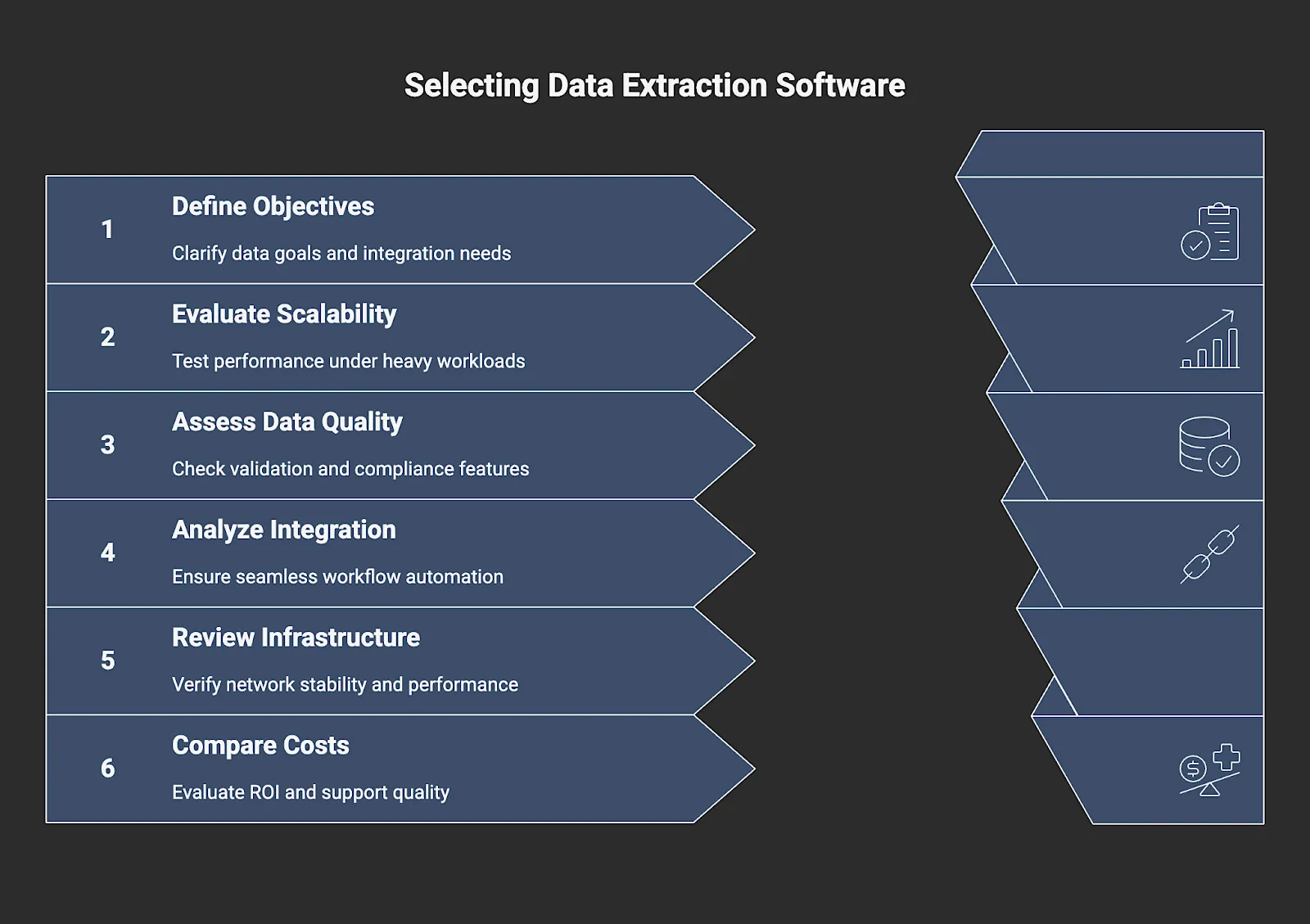
6 Steps to Choosing the Correct Data Extraction Software
1. Define your data objectives and integration needs
Start with the basics: What data are you collecting, and how often will it need to be refreshed? Write down where this data will be stored, the format it should follow, and the schema your team already works with. Once you can see the full path from collection to ingestion, it becomes easier to rule out platforms that do not fit your workflow.
2. Evaluate scalability and architecture
Push the data extraction software by running heavier jobs and watching how it responds. Some systems slow down quickly, while others maintain their performance even under heavy workloads. Pay attention to concurrency settings, throughput under load, and how the scheduler handles queues that grow faster than expected.
3. Assess data quality, validation, and compliance
Every extractor encounters missing fields or unexpected values. The question is how the software reacts when that happens. Does it fix the issues, warn you, or pass them through? Examine the checks it runs on the output and determine whether the platform can standardize that output. If compliance is a key concern in your industry, ensure that the platform addresses this as well.
4. Analyze integration and workflow automation
Try connecting it to the rest of your stack. Some platforms hand data off cleanly, while others make you build workarounds. See whether it can move results directly into your dashboards, repositories, or lakes. Look for practical triggers or API functions that let you automate steps.
5. Review infrastructure and network layer
The network layer determines whether data extraction runs smoothly or constantly breaks. Check the IP pools, how rotation works, and the stability of sessions. Geographic variety also matters because some sites respond differently depending on where the request originates. Stable session handling and consistent IP performance are essential for reducing failures during extraction.
6. Compare cost, ROI, and support quality
Consider the software’s long-term costs. A platform might seem affordable until your extraction volume grows. Examine how pricing scales and decide if you will need paid add-ons. Good support is also part of the value. When a workflow fails, speedy help can save hours of engineering time.
Top 8 Data Extraction Software
1. Nimble
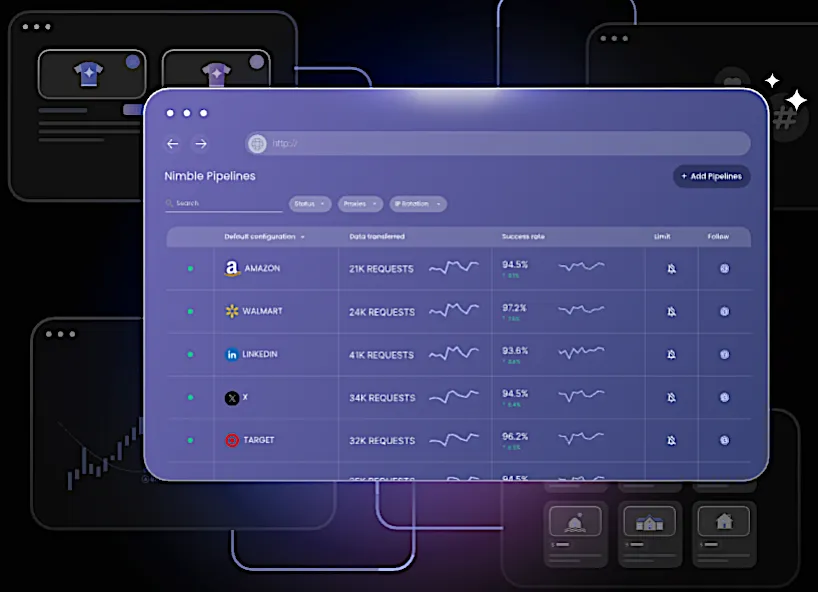
Nimble provides real-time web data extraction at scale with a focus on reliability and structured output. Its Web Search Agents autonomously navigate and extract data from complex sites without requiring brittle scripts. It removes the need for manual maintenance by handling navigation, blocking, validation, and freshness at the software layer.
The platform streams those structured results, which allows teams to consume data continuously as it is extracted. Engineering teams receive structured fields that are ready for analytics, AI training, or operational pipelines, eliminating the need for manual cleanup. This agent-based approach replaces fragile scraping scripts with a managed platform built for continuous, large-scale extraction.
Key features:
- Autonomous Web Search Agents for complex site navigation and extraction
- Real-time extraction with automated quality checks
- Network layer with residential IPs and rotation logic
- Self-healing flows that reduce failures
- API and workflow automation for integrating extraction results directly into analytics and AI pipelines
- Compliance controls and monitoring for enterprise use
Best for: Teams that require dependable, large-scale extraction for AI, pricing intelligence, and real-time market monitoring.
Review: “The technology at Nimble is very effective at scale (we make millions of requests per month) and works for a good number of our use cases. Nimble packs a lot of features and power behind their API, and it’s pretty easy to use out of the box…In addition, Nimble provides great support and pricing to make it a no-brainer to renew our contract each year.”
2. Apify
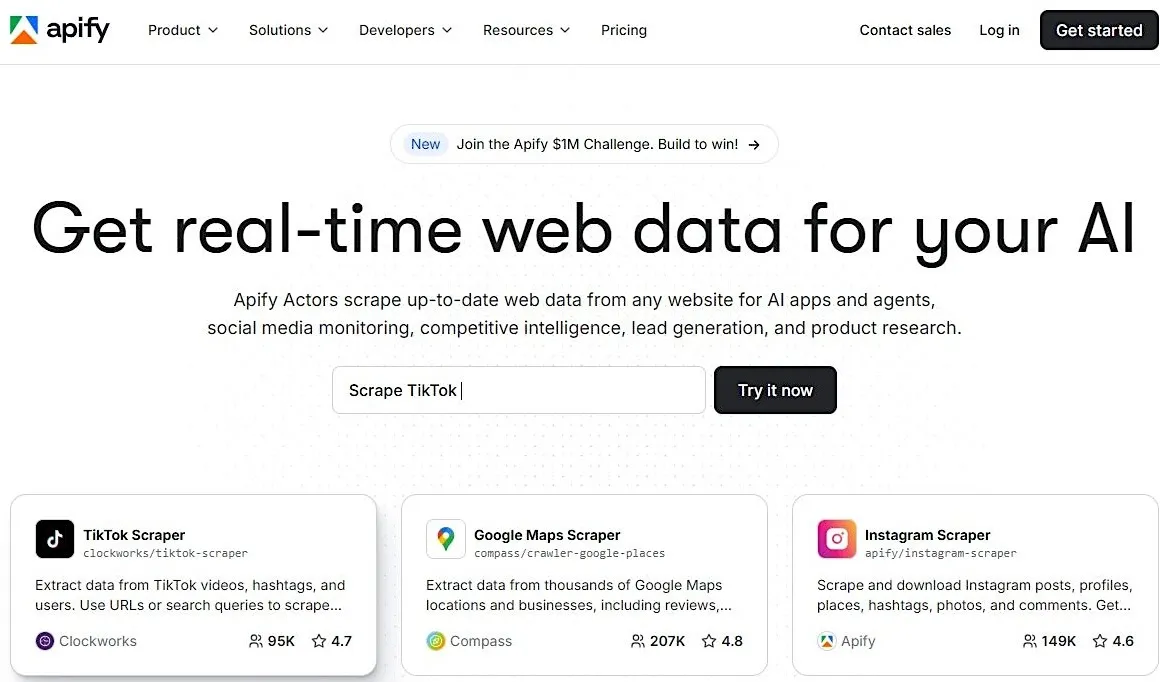
Apify gives developers data extraction flexibility through script-based actors that run in a managed cloud environment. It supports custom logic, browser automation, and reusable workflows, which makes it a good fit for teams that want both control and infrastructure handled for them.
Key features:
- Scriptable extraction actors with full JS support
- Marketplace of prebuilt crawlers
- Browser automation with headless Chrome
- Cloud scheduling and task orchestration
- API-based access to collected datasets
Best for: Engineering teams that like to write their own logic but do not want to manage servers or infrastructure.
Review: “The best thing about Apify is its flexibility and speed for automating large-scale data collection from various web sources worldwide.”
3. Import.io
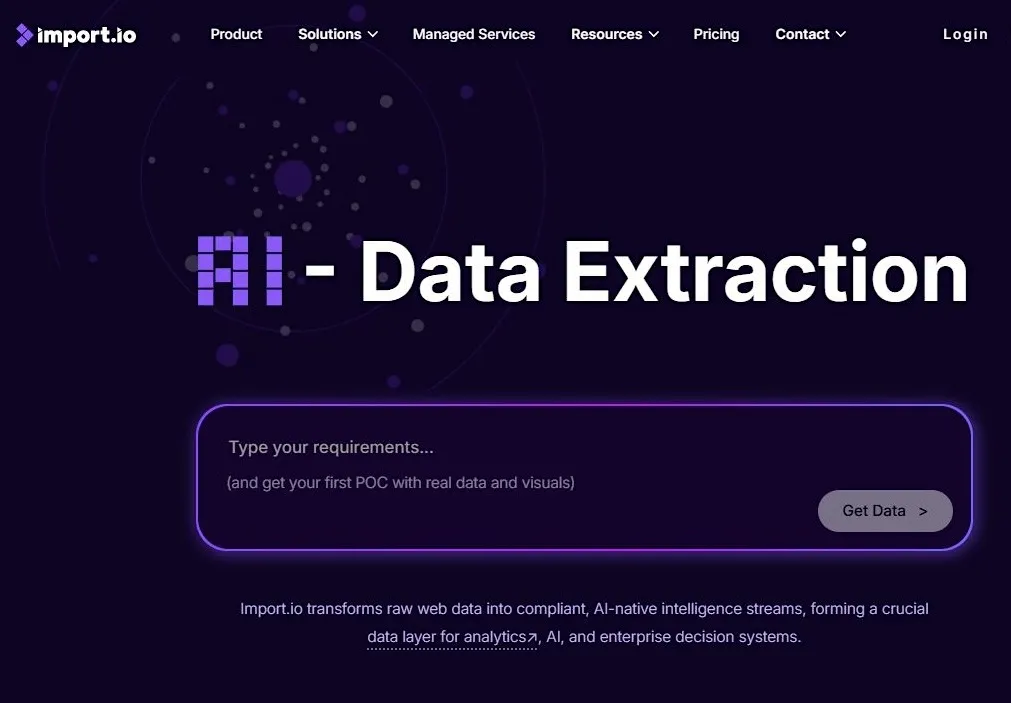
Import.io is a no-code, AI-powered web scraping and data extraction tool. Their software can transform complex layouts into usable data with just a few clicks. It boasts an Interaction mode and a sophisticated AI crawler that helps users extract data from sites guarded by captchas and logins.
Key features:
- Visual extraction builder
- Automated table and list detection
- Recurring data delivery to BI tools
- API and export options for pipelines
- Basic transformation and schema alignment
Best for: Non-technical teams or analysts who want clean datasets without writing selectors or scripts.
Review: “This tool makes it very easy to generate data in just a few clicks even if you are a non-programmer.”
4. Octoparse
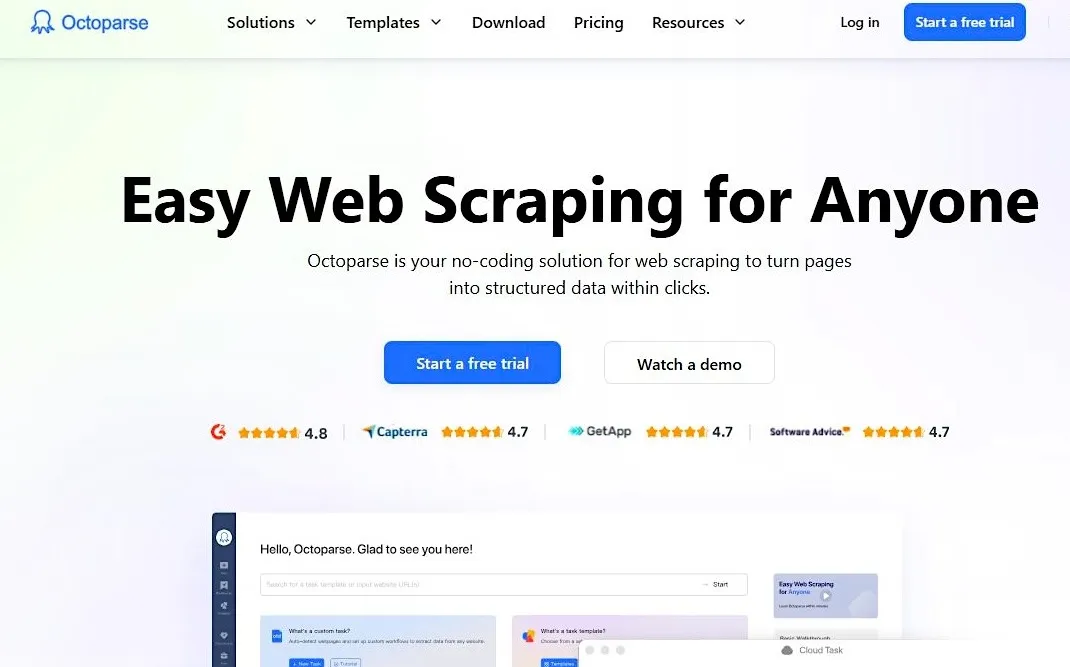
Octoparse enables users to design their own scraper within a no-code workflow environment, and then visualize the results in a browser. An AI web scraping assistant and Cloud execution help users to run recurring data extraction tasks more efficiently. A preset template library for the most popular websites provides a simple way to get data instantly with minimal setup.
Key features:
- Drag-and-drop workflow builder
- Cloud extraction and scheduling
- Auto-detection of structured elements
- IP rotation is built into cloud runs
- Export to Excel, CSV, and APIs
Best for: Small to mid-sized teams that need predictable recurring extraction.
Review: “Its visual interface makes it easy to configure tasks and automate scraping.”
5. Klippa DocHorizon
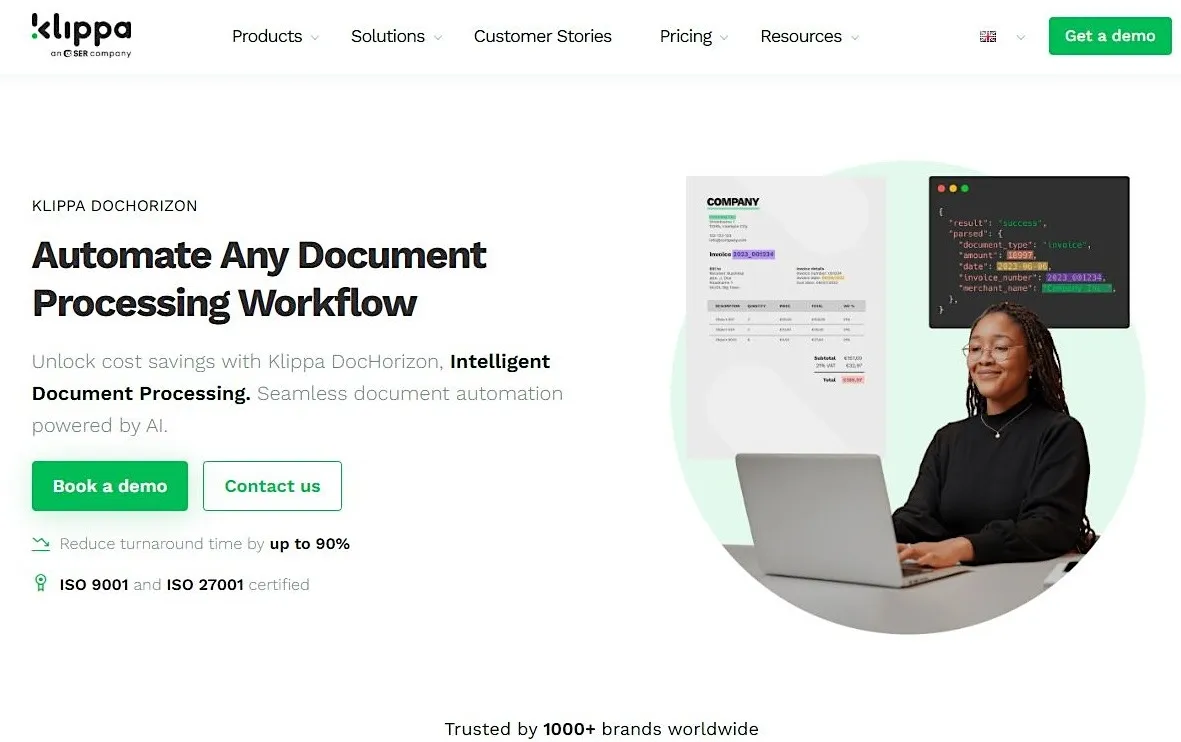
Klippa is designed for extracting data from a wide range of document types. Its OCR reads invoices, receipts, and forms, then reshapes them into structured data that can move directly into accounting or ERP tools. It can automatically anonymize data and images to comply with privacy regulations.
Key features:
- OCR and machine learning-based text capture
- Field-level extraction from invoices and forms
- API for automated ingestion
- Document classification
- Data validation and quality controls
Best for: Organizations that process large volumes of financial documents or operational paperwork.
Review: “Klippa helped us to fully automate the entire process of employee onboarding by verifying documents with the OCR API.”
6. Docparser
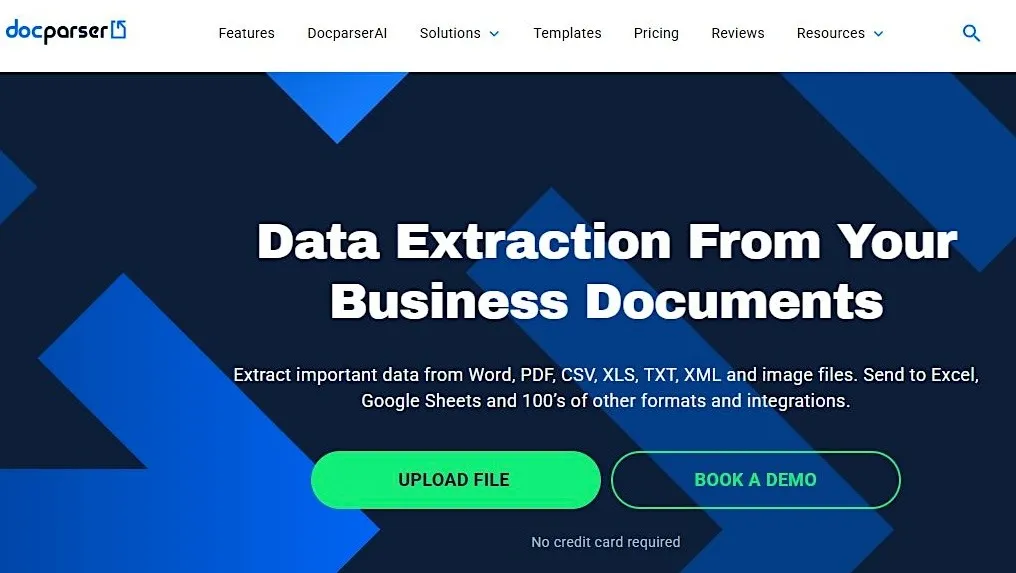
Docparser extracts structured data from PDFs using a rule-based parsing approach. It maintains consistent formatting, allows you to map fields as needed, and integrates seamlessly with cloud storage or the systems your team already uses.
Key features:
- Rule-based PDF parsing
- Custom field mapping
- Document splitting and filtering
- Cloud integrations and workflow automation
- Support for scanned documents
Best for: Managing and extracting data from repetitive PDF-based workflows, such as forms, reports, and statements.
Review: “We use Docparser for parsing and extracting data from supplier PDF invoices…and using Docparser saves us hours every week.”
7. Dexi.io
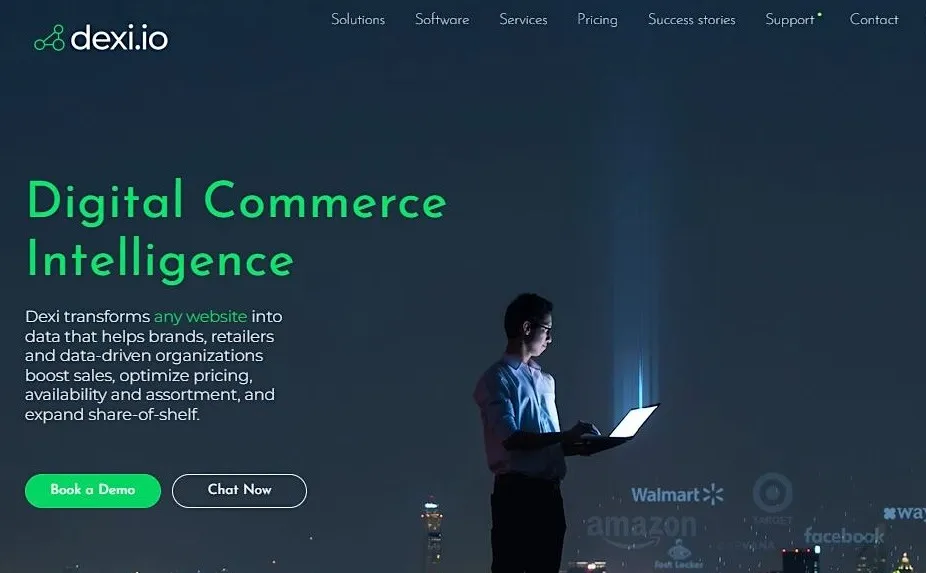
Dexi.io is an automated data intelligence environment that provides extraction, automation, and enrichment through cloud agents that you can configure to match your workflow. The Product Manager feature offers advanced mapping and automates data categorization, which helps its agents to ‘learn’ when new or unexpected data is uncovered.
Key features:
- Workflow controls for complex sequences
- Data transformation and enrichment tools
- API access for integration into pipelines
- Dashboard for monitoring tasks
Best for: Companies seeking flexible automation with enterprise-level control and monitoring.
Review: “Another benefit is that all web robotization "robots" that you construct are controlled by Dexi, (so) you won't need to set up a server/scheduler.”
8. Mozenda
Mozenda works by having the user visually “train” an agent using a point-and-click interface to identify the specific data fields they want to extract from a website. This trained agent is then executed on their secure cloud infrastructure, which handles the complex tasks of navigating pages and collecting the raw data at scale.
Key features:
- Visual workflow designer
- Built-in IP management
- Task organization in a central dashboard
- Export to BI tools and data warehouses
Best for: Teams that need consistent, long-term extraction routines with clear operational oversight.
Review: “Pretty simple to use, and you definitely get what you pay for. Great for scraping/integrating with multiple data sources.”
The Right Data Extraction Software Makes a Difference
Data extraction software is effective only when the results are current, structured, and reliable. Internal scripts do not stay stable under changing site conditions, which creates gaps and slows analysis. A dedicated platform eliminates this instability and ensures data continues to flow into the systems that rely on it.
Nimble was designed for large-scale, continuous web data extraction. Web Search Agents adapt to site changes without custom code, and the platform streams structured results as soon as they are collected. Teams receive a steady flow of real-time data without the ongoing maintenance of scrapers. Your pricing systems, analytics workflows, AI pipelines, and other critical data flows stay supplied with the information they need to operate at their full potential.
Book a Nimble demo to experience reliable data extraction software that makes a difference.
FAQ
Answers to frequently asked questions




.webp)
.avif)
.webp)
.webp)