









Top 13 HTML to Markdown Conversion Tools
Top 13 HTML to Markdown Conversion Tools



Charlie Klein
Top 13 HTML to Markdown Conversion Tools
Top 13 HTML to Markdown Conversion Tools
Charlie Klein
Abstract
HTML-to-Markdown conversion tools turn webpage content into Markdown for AI, search, documentation, and data workflows. The right option depends on whether you already have HTML or need the tool to retrieve and process a live URL.
| Category | Best for |
|---|---|
| Managed APIs | Fetching, rendering, and converting live webpages |
| Self-hosted crawlers | Controlling retrieval, filtering, and deployment |
| Local libraries and CLIs | Converting HTML already available to the application |
JavaScript rendering, browser actions, content cleaning, output fidelity, and deployment requirements should drive the final choice.
HTML-to-Markdown conversion tools turn webpage content into compact, structured text that is easier to use in RAG pipelines, AI agents, search indexes, documentation systems, and content workflows.
A 2026 Apple-led study found that changing the HTML-to-text extractor produced differences of up to 10 percentage points on a table-question-answering benchmark and 3 percentage points on a code-generation benchmark. The finding highlights an important point for AI and data teams: converting a webpage to Markdown is not only a formatting step. Retrieval, rendering, content extraction, and boilerplate removal can determine what useful information reaches the downstream system.
The right HTML-to-Markdown tool therefore depends first on your input. If you already have raw HTML, a local conversion library may be enough. If you start with a live URL, you may also need webpage retrieval, JavaScript rendering, browser actions, and content filtering before conversion.
What is HTML-to-Markdown Conversion?
HTML-to-Markdown conversion maps HTML elements such as headings, links, lists, code blocks, and tables into Markdown syntax. The resulting text is often easier for downstream systems to store, chunk, index, or pass to language models.
But conversion is only one part of the problem. A library such as Turndown can convert HTML your application already possesses. It does not, by itself, solve the problem of retrieving live web content from a page, executing JavaScript, interacting with the browser, or deciding which parts of the page are useful content.
That distinction matters for modern websites. Navigation menus, ads, cookie banners, related-content modules, and other boilerplate can survive a straightforward conversion. Content loaded after JavaScript execution may be absent entirely if the retrieval layer never renders the page.
Top Picks by Category
- Nimble Extract API: Managed retrieval and extraction for live or dynamic webpages.
- Crawl4AI: Recommended for self-hosted crawling and filtered Markdown.
- Turndown: Recommended for local JavaScript HTML-to-Markdown conversion.
Top 13 HTML to Markdown Conversion Tools
Managed Webpage Retrieval, Crawling, and Markdown APIs
Use this category when your application starts with a URL and needs the tool to fetch the page before producing Markdown. Compare rendering, browser controls, content filtering, crawl support, output formats, deployment model, and pricing.
1. Nimble Extract API: Managed webpage retrieval and extraction for AI workflows
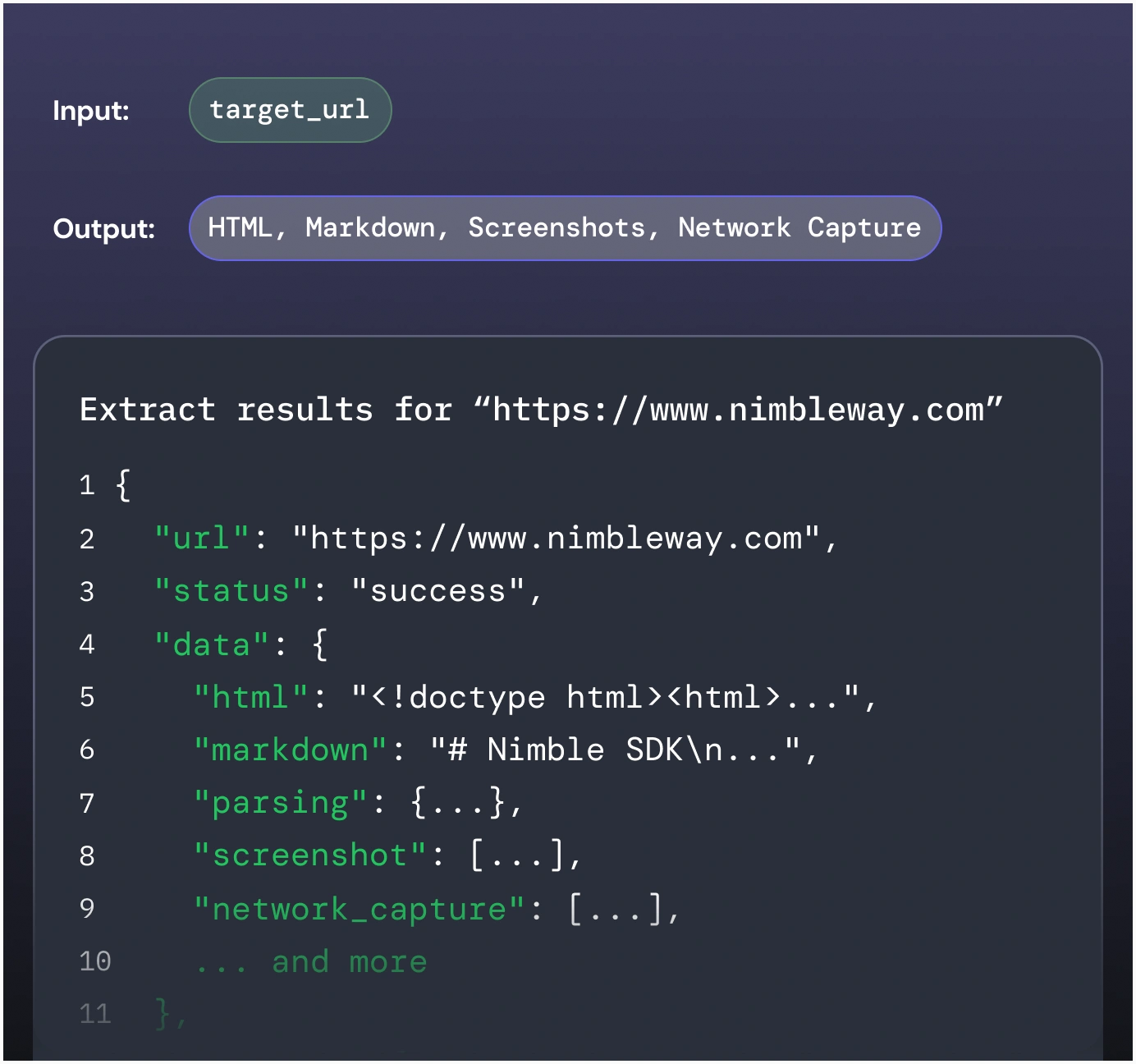
Nimble’s Extract API retrieves content from a known URL and returns it in formats such as HTML or Markdown for downstream AI, search, RAG, and data workflows. It fits applications where the agent or backend owns reasoning and orchestration, while Nimble supplies the webpage retrieval and extraction layer.
For dynamic or difficult-to-render pages, developers can enable JavaScript rendering and use browser actions such as clicking, scrolling, waiting, and typing. Parsing controls can also target specific page elements, helping applications retrieve more relevant content without maintaining separate browser and extraction infrastructure.
Strengths: Combines managed webpage retrieval, JavaScript rendering, browser actions, and HTML or Markdown output in one API.
Considerations: If your application already receives clean HTML, a managed retrieval layer may add unnecessary cost and complexity.
Pricing: Book a demo to explore Nimble and discuss pricing.
2. Cloudflare Browser Run: Recommended for edge-native webpage-to-Markdown conversion
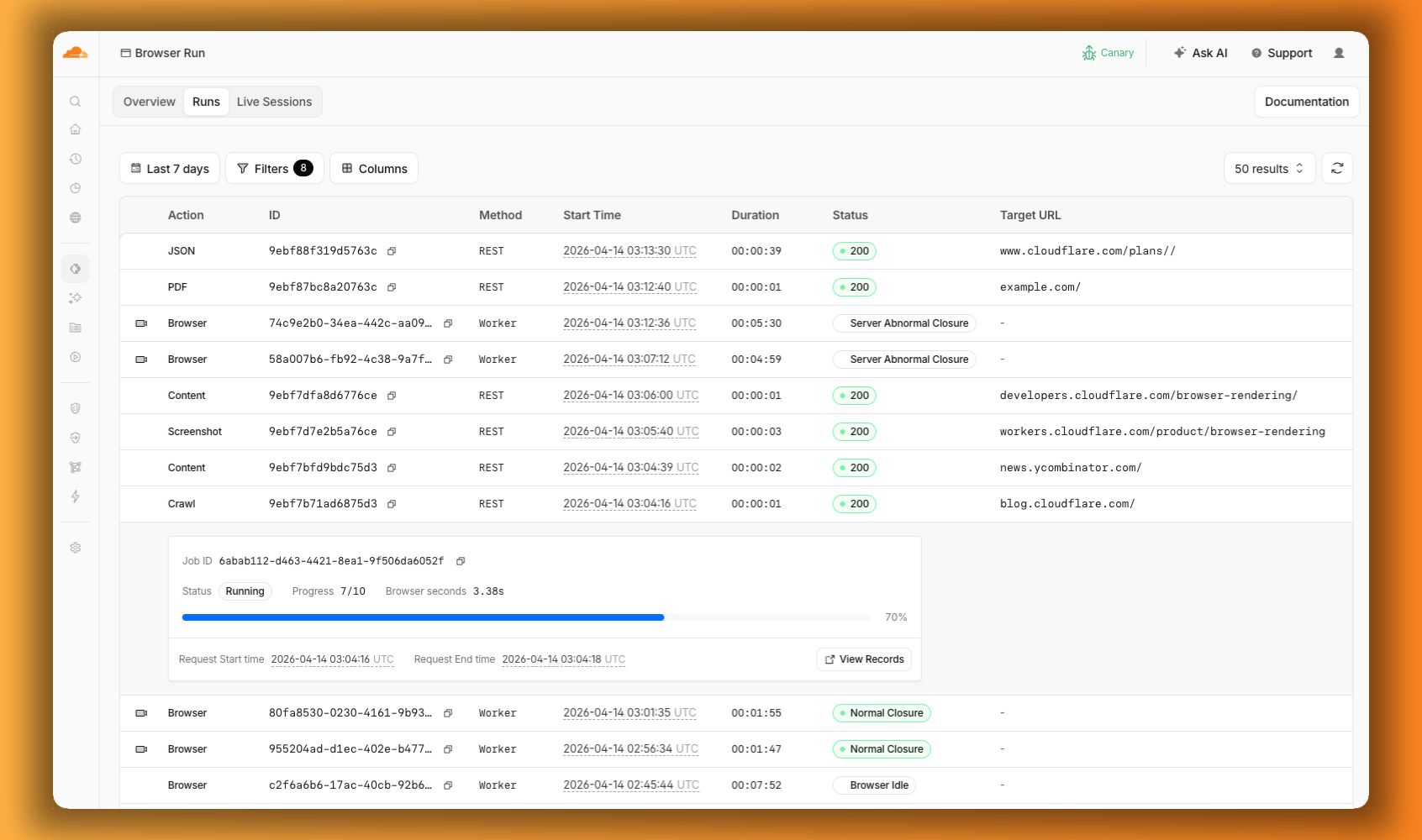
Cloudflare Browser Run's /markdown Quick Action accepts either a URL or raw HTML and returns Markdown. Because it runs through Cloudflare's browser infrastructure, it can sit alongside other browser-based tasks without requiring developers to operate Chromium themselves.
Strengths: Converts URLs or raw HTML to Markdown using Cloudflare’s browser infrastructure, with support for rendered page content.
Considerations: It is a broader browser execution platform, so teams should account for Workers architecture and usage-based browser billing.
Pricing: Cloudflare currently offers 10 browser minutes per day on Workers Free. Its published paid rate is $0.09 per browser hour, with concurrency billed separately for Browser Sessions.
3. Firecrawl Scrape: Recommended for developer-first Markdown extraction and crawling
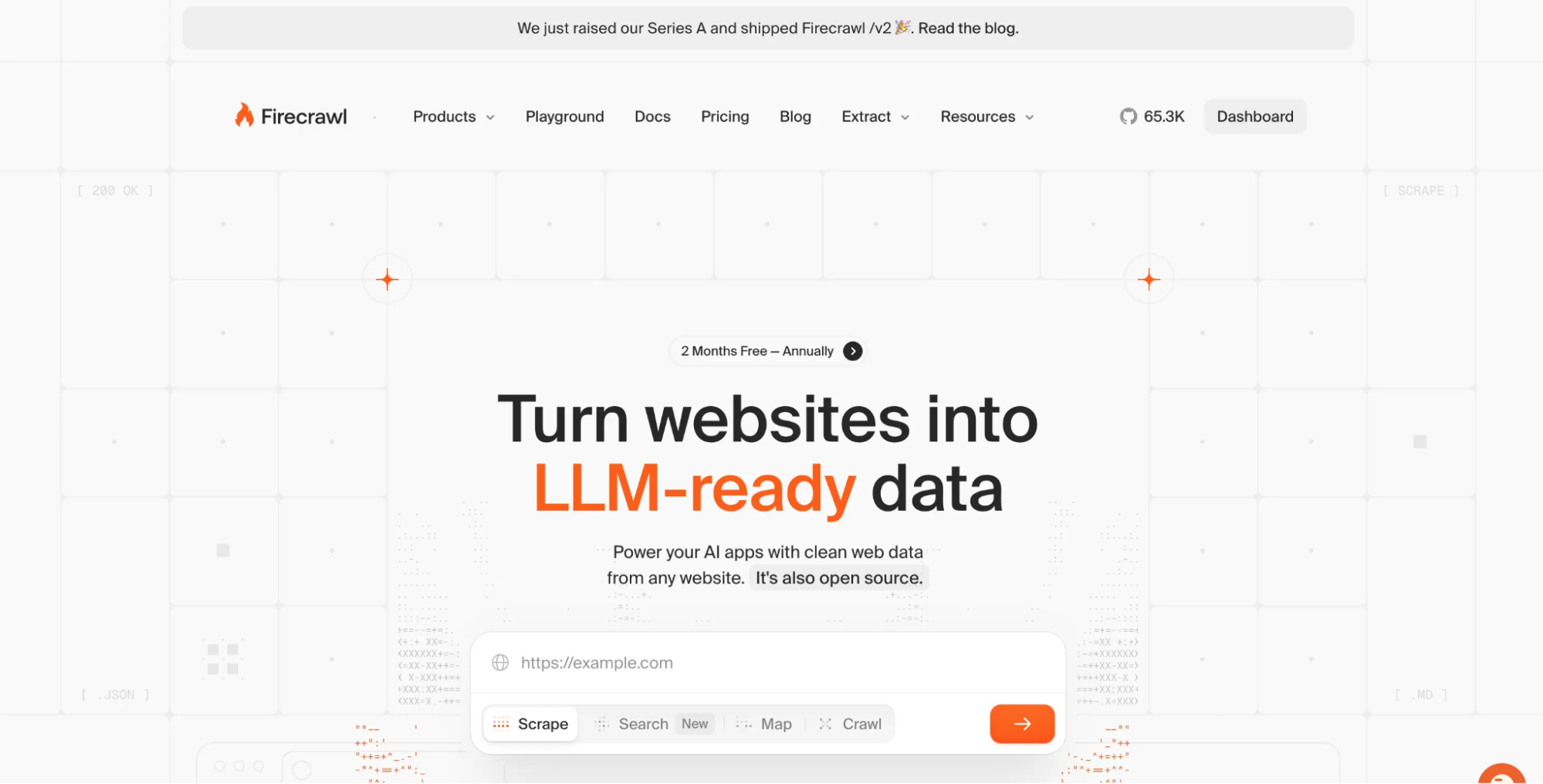
Firecrawl's Scrape API can return Markdown, HTML, or structured data from a URL. Its options include main-content filtering, tag inclusion and exclusion, ad and cookie-popup blocking, location settings, and browser actions such as clicking, scrolling, waiting, typing, and JavaScript execution.
Strengths: Combines Markdown extraction, content filtering, browser actions, and multi-page crawling in a hosted API.
Considerations: Advanced scraping features can consume additional credits, so costs depend on your target sites' requirements.
Pricing: Firecrawl uses credits, with Scrape and Crawl normally consuming one credit per page before optional feature charges. Current self-serve plans include a free tier and paid plans based on monthly credit allowances.
4. Apify Website Content Crawler: Recommended for automated website-to-RAG pipelines
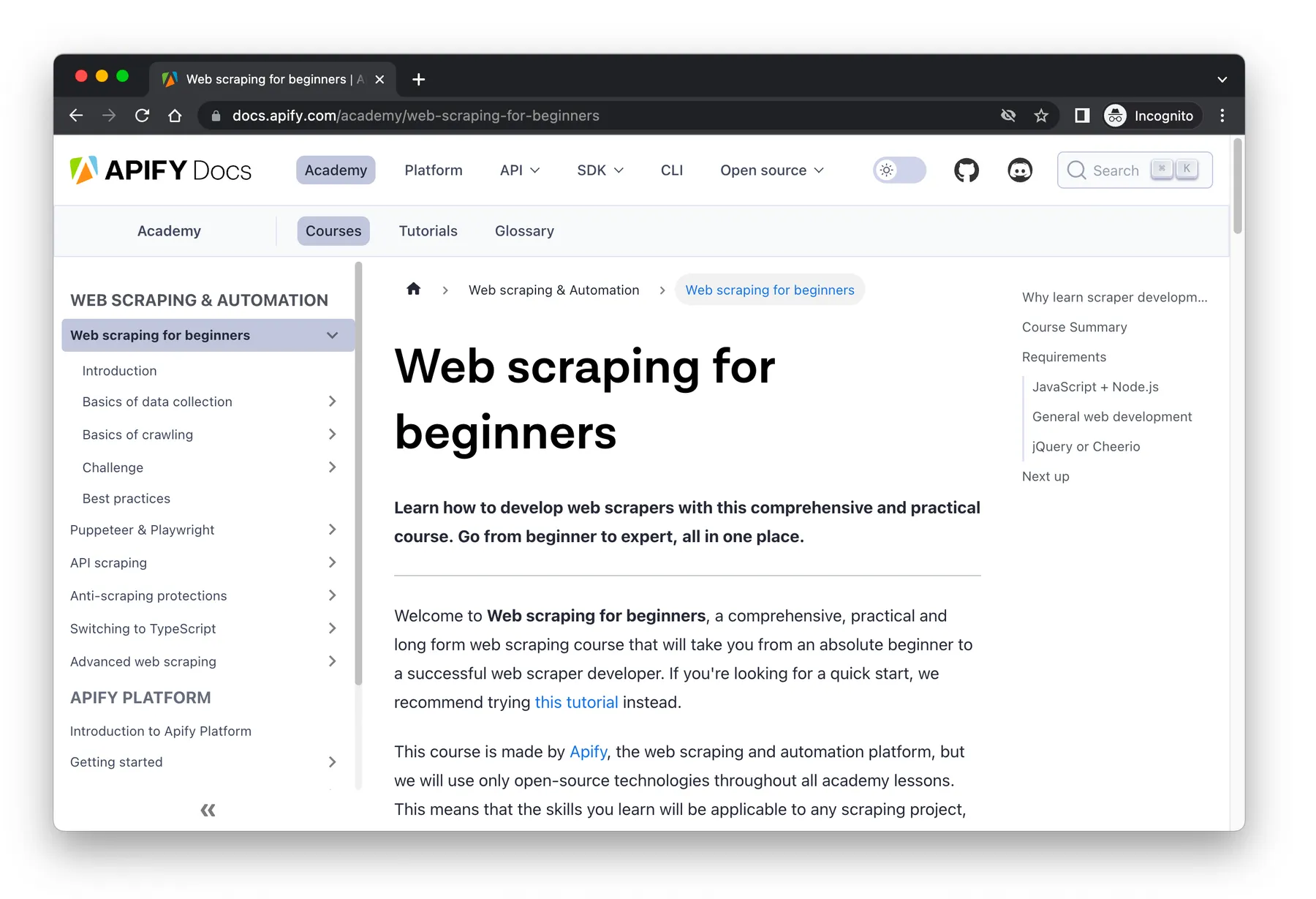
Apify's Website Content Crawler performs multi-page crawls and extracts cleaned text suitable for AI applications, vector databases, and RAG pipelines. It supports Markdown output and is designed for sources such as documentation sites, blogs, knowledge bases, and help centers.
Strengths: Supports HTTP and browser-based crawling, content cleaning, Markdown output, and integration with the wider Apify platform.
Considerations: Browser-based crawls consume more resources than HTTP retrieval, which can increase usage costs.
Pricing: The Actor is free to use, and customers pay for Apify platform resources. Apify documents a baseline compute price and provides monthly free credits for low-volume use.
Open-Source Crawling and Content-Extraction Tools
Choose a self-hosted crawler when you want to control browser execution, filtering, and deployment yourself. Your team also takes responsibility for browser management, updates, scaling, and production reliability.
5. Crawl4AI: Recommended for self-hosted, LLM-ready crawling
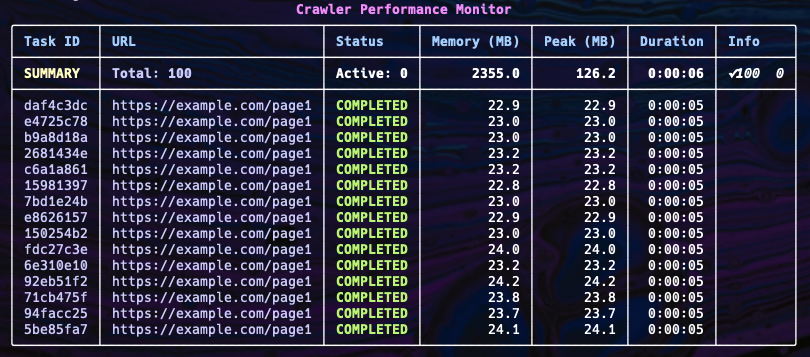
Crawl4AI generates raw and filtered Markdown and provides content filtering intended to remove irrelevant page material. Its browser layer supports sessions, proxies, cookies, custom scripts, persistent profiles, and multiple browser engines.
Strengths: Provides self-hosted browser crawling, content filtering, and raw or filtered Markdown with extensive retrieval controls.
Considerations: Your team is responsible for deployment, browser resources, upgrades, security, and production monitoring.
Availability: Open source under Apache 2.0.
6. Scrapling: Recommended for adaptive Python crawling and extraction
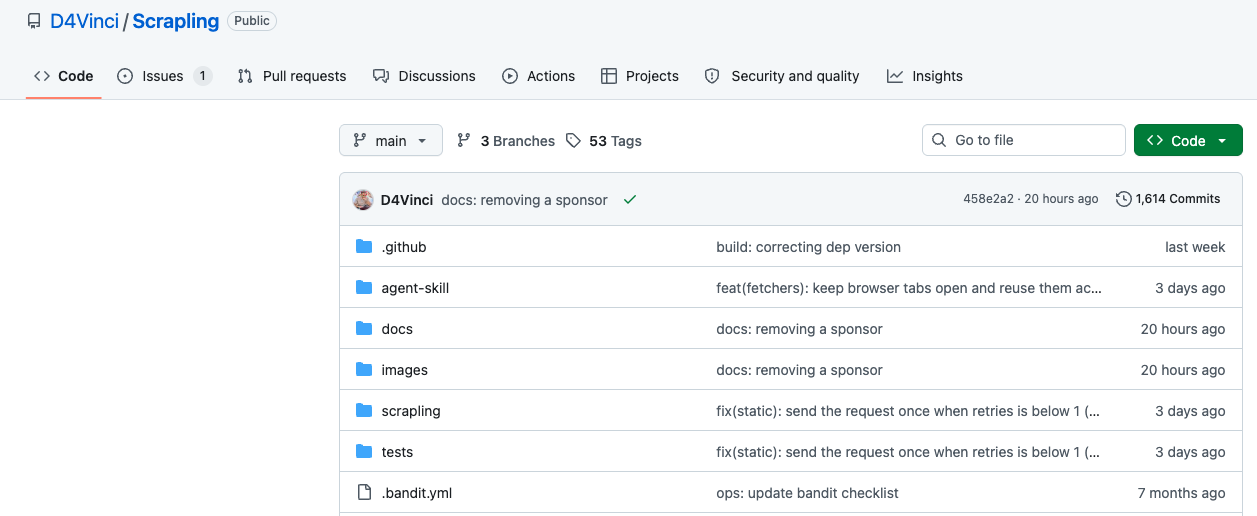
Scrapling spans simple requests through browser-backed and stealth-oriented fetching. Its CLI can save fetched pages as Markdown, while CSS selectors let developers narrow extraction to relevant elements.
Strengths: Combines HTTP retrieval, browser execution, adaptive parsing, and Markdown extraction in a Python crawling framework.
Considerations: If you already have HTML, a smaller converter may be easier to integrate than Scrapling’s broader crawling stack.
Availability: Open-source Python software under a BSD license.
7. MinerU-HTML: Recommended for model-based main-content extraction
MinerU-HTML uses a small language model (SLM) to improve content extraction by classifying page elements as main or auxiliary content before extracting the main HTML. Unlike rule-based converters, MinerU-HTML classifies page elements before converting the selected content. Trafilatura is available as one documented fallback.
Strengths: Uses an SLM to identify main page content before conversion, which can help with noisy or structurally complex HTML.
Considerations: Model inference requires more runtime and deployment resources than a lightweight deterministic converter.
Availability: Apache 2.0.
8. Trafilatura: Recommended for text-heavy webpages and article extraction

Trafilatura combines crawling, scraping, main-text extraction, and metadata handling, with output formats including Markdown, HTML, JSON, CSV, XML, and plain text. Use Trafilatura when you need the main text from a page rather than a Markdown representation of every HTML element.
Strengths: Provides focused main-content and metadata extraction with Markdown and several other structured output formats.
Considerations: It is less suited to heavily client-rendered pages that require full browser automation.
Availability: Current releases use the Apache 2.0 license.
HTML-to-Markdown Libraries and CLI Tools
Use this category when your application already has the HTML. These tools avoid the network and browser infrastructure of crawlers and managed APIs, making them attractive for deterministic local conversion, migrations, preprocessing, and developer tooling.
9. Microsoft MarkItDown: Recommended for mixed-format Markdown ingestion
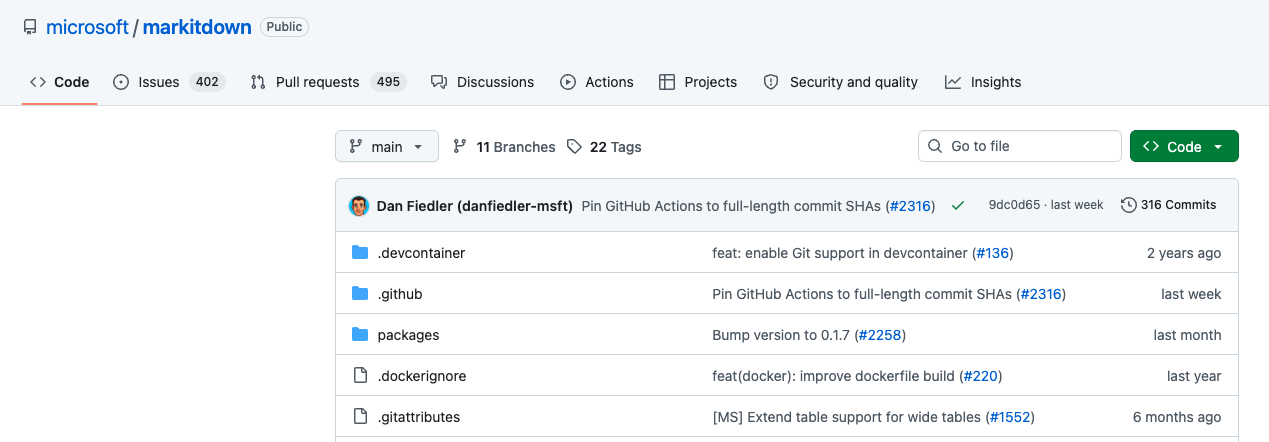
MarkItDown converts HTML to Markdown but is broader than a dedicated HTML converter. It also supports formats such as PDF, Word, PowerPoint, Excel, images, audio, text-based formats, ZIP archives, and EPUB. Its goal is to preserve useful document structure for LLM and text-analysis workflows.
Strengths: Converts HTML alongside PDFs, Office files, images, and other formats within a single Markdown ingestion workflow.
Considerations: For HTML-only workflows, a dedicated converter may offer narrower, simpler integration.
Availability: Open source under the MIT license.
10. Turndown: Recommended for JavaScript and browser-based conversion
Turndown is a focused JavaScript HTML-to-Markdown converter that works in Node.js and browsers. Developers can configure heading, list, code-block, link, and other formatting behavior, as well as add custom conversion rules.
Strengths: Provides configurable HTML-to-Markdown conversion for Node.js and browsers, with custom rules and GFM extensions.
Considerations: It only converts HTML or DOM content it receives, so live-page retrieval and rendering require separate tooling.
Availability: MIT licensed.
11. Markdownify MCP: Recommended for Markdown conversion exposed to MCP clients
Markdownify MCP packages Markdown conversion behind a Model Context Protocol server and supports URL-oriented operations such as webpage-to-Markdown conversion. It fits workflows where an MCP-compatible agent invokes conversion as a tool instead of embedding the converter directly in application code.
Strengths: Exposes webpage and document conversion as tools that MCP-compatible agents can invoke directly.
Considerations: The MCP service adds deployment and permission requirements that an in-process converter does not have.
Availability: The project is published under the MIT license.
12. Pandoc: Recommended for cross-format CLI conversion and publishing workflows
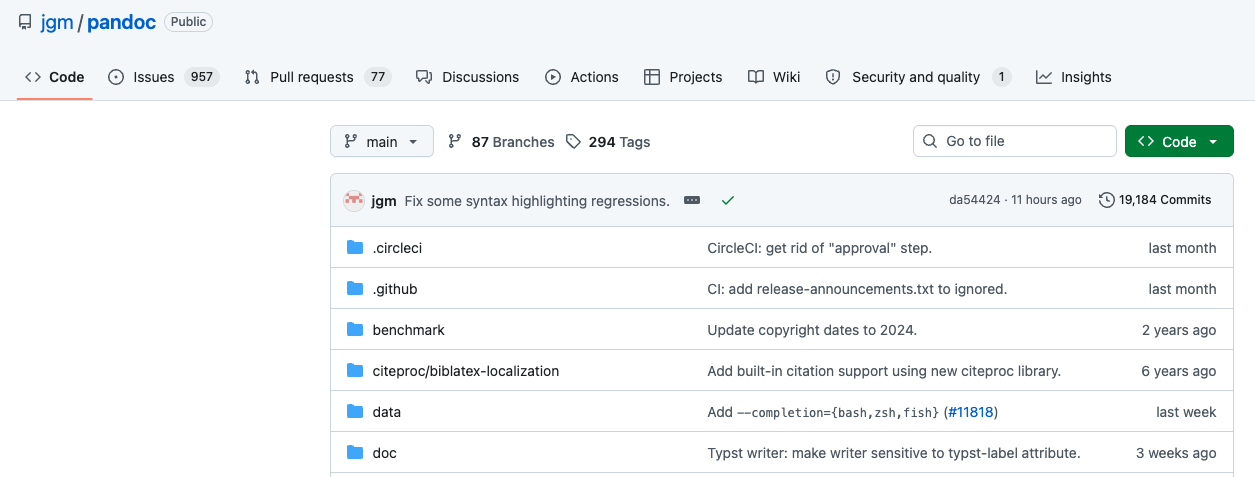
Pandoc uses readers to parse source formats into an internal document representation and writers to generate the destination format. It supports HTML and multiple Markdown variants alongside formats such as LaTeX and DOCX.
Strengths: Supports HTML, Markdown, and many other document formats with extensive filters, templates, and publishing controls.
Considerations: It converts content already obtained by your workflow and does not provide webpage retrieval or browser execution.
Availability: Free software released under the GPL.
13. html-to-markdown-cli: Recommended for dedicated command-line HTML conversion
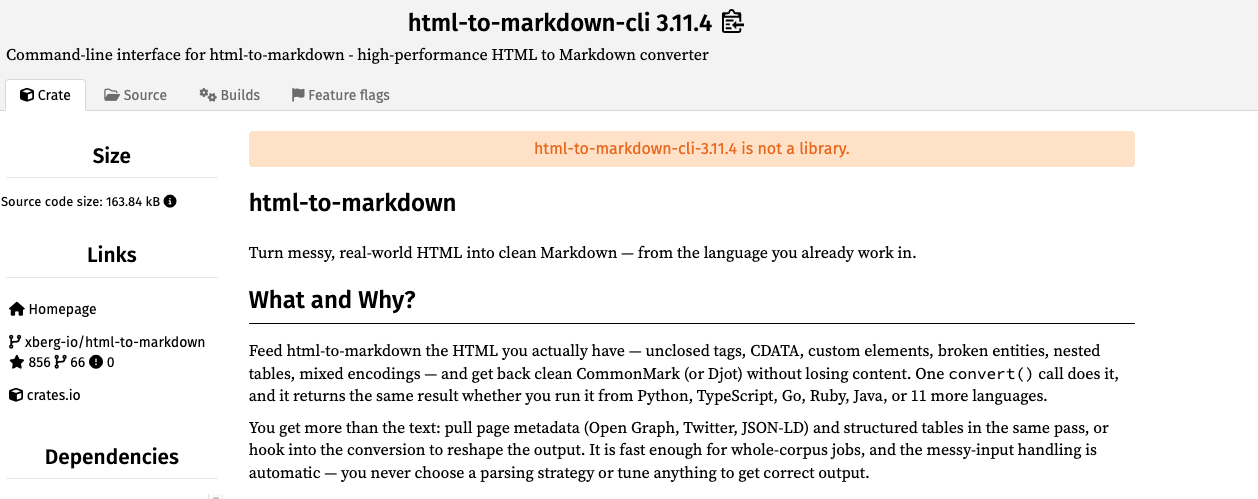
The current html-to-markdown project uses a Rust core and exposes its converter through a CLI and multiple language bindings. It handles malformed HTML, supports CommonMark output and GFM tables, and can extract page metadata alongside converted content.
Strengths: Provides fast local HTML conversion through a Rust core, CLI, and multiple language bindings.
Considerations: It does not provide the browser retrieval and rendering required for dynamic webpages.
Availability: MIT licensed.
How We Selected and Compared These Tools
This comparison is based on public research verified on August 26, 2026, using official documentation, repositories, package information, release notes, and pricing pages. No standardized hands-on benchmark was conducted.
A local converter and a managed browser API solve different parts of the workflow, so we compared them separately.
We compared every tool on input type, Markdown output, content cleaning, customization, deployment, and pricing or licensing. For URL-based tools, we also checked fetching, JavaScript rendering, browser controls, and crawl support. For local libraries, we focused on runtime fit, conversion rules, Markdown extensions, and maintenance.
How to Choose the Right HTML-to-Markdown Tool
Start with what your application receives: raw HTML or a URL.
Already have HTML? Use a local library or CLI unless you also need broader document conversion. Turndown fits JavaScript applications, Pandoc works well for cross-format document workflows, and MarkItDown suits pipelines that also ingest PDFs or Office files.
For live URLs, choose a crawler or managed API based on your rendering, browser-control, crawl, and Markdown-output requirements. Nimble’s Extract API, Cloudflare Browser Run, Firecrawl, and Apify cover different combinations of those capabilities.
Self-hosted tools such as Crawl4AI, Scrapling, and Trafilatura give you more infrastructure control, along with responsibility for browser management, upgrades, resource use, and reliability.
Next, inspect your target pages. Determine whether useful content requires JavaScript execution, scrolling, clicking, session state, or other browser behavior. Also check whether navigation, ads, cookie notices, and other page elements need to be filtered before conversion.
Test representative pages from your own workload, including tables, nested lists, fenced code, images, links, malformed HTML, and dynamically inserted content. A simple static page will not expose the same conversion and retrieval failures.
Choose the Conversion Layer Your Workflow Actually Needs
Choose the tool based on how much work needs to happen before Markdown generation.
When clean HTML is already available, a local converter keeps the workflow simple. When your application starts with live webpages, retrieval, rendering, browser interaction, and content cleaning become part of the problem.
For production workflows that start with live URLs, Nimble’s Extract API handles managed webpage retrieval with optional JavaScript rendering, browser actions, parsing controls, and HTML or Markdown output. This gives AI and data applications current webpage content without requiring teams to maintain the full retrieval stack themselves.
Nimble Web Search Agents address a separate use case: multi-source research that requires search, retrieval, and reasoning. They are research agents, not HTML-to-Markdown converters.
Explore the Nimble Extract API to retrieve live webpage content and return clean HTML or Markdown for downstream AI and data workflows, or book a demo to discuss production web-data requirements.
FAQ
Answers to frequently asked questions


.webp)
.webp)

.webp)
.avif)