









Nimble Plugin for Claude Cowork Quickstart Guide


Tom Shaked
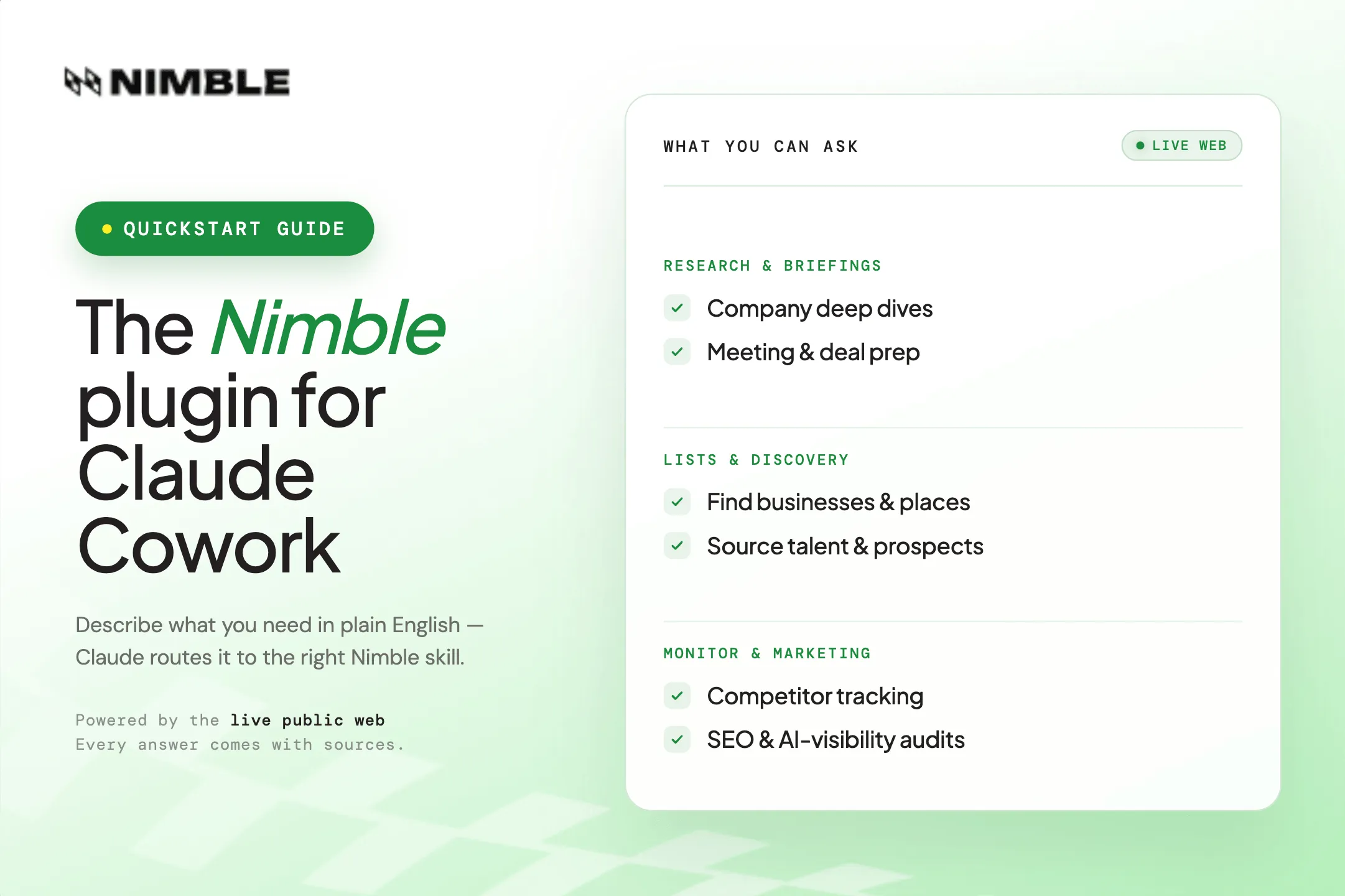
Nimble Plugin for Claude Cowork Quickstart Guide
Tom Shaked


Most popular articles



Get structured, reliable data for your stack.
This guide introduces the Nimble plugin for Claude Cowork, a bridge between Nimble’s real-time public-web intelligence platform and Claude Cowork.
With the plugin installed, Claude can use Nimble skills to research companies, markets, people, locations, competitors, and websites using current public-web data.
In about five minutes, you’ll learn how to install the plugin, make your first request, and understand the types of research and data tasks you can complete with Nimble.
Who this is for
The Nimble plugin is useful whenever you want Claude to research and answer questions using current information.
Use it when you want to:
- Research a company before a call, campaign, investment, or partnership conversation.
- Compare competitors, markets, products, or locations.
- Build a list of businesses, prospects, candidates, providers, or local places.
- Turn public websites into structured information you can use in a report, workflow, or follow-up task.
- Keep track of changes in a market, company, or competitor set over time.
Before you begin
You need a Nimble account to use the plugin. If you do not already have one, sign up for a free trial at online.nimbleway.com/signup before continuing.
Installation
The Nimble plugin can be installed in two ways:
- Automatic Setup — Let Claude use Nimble’s
auth.mdto configure the plugin automatically. - Manual Setup — Follow the step-by-step instructions to install and connect the plugin yourself.
Automatic Setup
Ask Claude to install the Nimble plugin using Nimble’s auth.md:
Install the Nimble plugin using https://nimbleway.com/auth.md
Claude will use Nimble’s auth.md file to identify the correct setup flow, guide you through authentication, and connect the plugin to your Nimble account.
Once setup is complete, the plugin will be ready to use across your Claude conversations.
Manual Setup
The Nimble plugin is installed through the Customize page in Claude.
- Open Claude Cowork, and click on “Customize” in the left-hand menu
- Under “Personal Plugins”, Press “+” and “Browse Plugins”
- Make sure to first select “Anthropic & Partners” and then search for “Nimble”
- Install the Nimble Plugin by pressing “+”, then the Gear Cog to customize the plugin
- Click on “Connectors” to authenticate with your Nimble account, and you’re finished!
Once the plugin is installed and authorized, it will be ready to use across your Claude conversations.
Your first request
Open a new chat and enter:
Research [a company you're curious about]
Claude will return a sourced one-page company profile covering what the company does, its leadership, recent funding activity, recent news, and key competitors. Every claim in the report includes a clickable citation linking back to the original source.
You can continue the conversation in plain language. For example:
Compare them to their two largest competitors.
Or:
Draft an outreach email referencing their most recent product launch.
Example prompts
You can ask Claude to use Nimble in plain language. For example:
- Research Stripe and return a sourced one-page company brief.
- Compare Nike and Adidas based on recent news, positioning, and market activity.
- Find CPG brands headquartered in Texas.
- Build a list of AI infrastructure companies hiring for go-to-market roles.
- Prepare me for a meeting with the leadership team at [company].
- Extract provider information from this clinic website: [URL].
- Track competitor product launches and funding news every Monday morning.
Skills
The Nimble Plugin includes a set of skills that are optimized for performing complex tasks, such as researching a company, building a list, monitoring competitors, or extracting data from a website.
You do not need to learn or remember the skill names below. Simply describe what you need in plain language, and Claude will route your request to the right skill or combination of skills.
The skills available through the Nimble plugin are grouped below by use case.
Research and briefings
Company deep dive — Build a comprehensive 360° profile of any company, including funding, leadership, market position, and recent news.
Meeting prep — Research the attendees of an upcoming call or meeting so you can enter the conversation prepared.
Competitor intelligence — Receive recurring briefings on competitor activity, including news, hiring, product launches, and funding events.
Competitor positioning — Analyze how competitors describe themselves on their own websites, with change tracking over time.
Lists and discovery
Market finder — Discover businesses of a specific type within a defined geography, such as “all CPG brands headquartered in Texas.”
Local places — Identify and rank local businesses in a specific neighborhood, with an accompanying interactive map.
Talent sourcing — Find candidates for a given role across LinkedIn, GitHub, Indeed, and other professional platforms.
Search — Run a focused web search when a small set of relevant links is more useful than a full report.
Marketing and SEO
SEO intelligence — Run keyword research, rank tracking, site audits, content gap analysis, and AI-visibility audits across ChatGPT, Perplexity, and other AI search platforms.
Healthcare
For users in the healthcare sector, three skills focus on practitioner data:
Provider extract — Extract provider rosters from healthcare practice websites.
Provider enrich — Fill gaps in an existing practitioner list, including phone numbers, credentials, and hours of operation.
Provider verify — Validate practitioner licenses against the NPI registry.
Advanced
Web expert — Retrieve data from any URL on demand. Use it to extract a page, call a public API endpoint, or run a targeted web search. This works best when you already know which source contains the information you need.
Agent builder — Create a reusable data extractor for a website you plan to query repeatedly. This is recommended for ongoing weekly or monthly data collection from the same source.
Limitations
Nimble operates on the public web. It cannot access content behind a login, paywalled material, or internal systems such as a private CRM.
Next steps
The best way to understand Nimble is to try a real request.
Open a new Claude chat and ask:
Research [company] and return a sourced one-page brief.
From there, you can keep going in plain English. Ask Claude to compare the company to competitors, turn the findings into an outreach email, build a target account list, or schedule a recurring competitor brief.
For the most current list of available skills, ask Claude directly in any chat.
FAQ
Answers to frequently asked questions





.webp)
.webp)
.webp)
.avif)