









Top 8 AI Training Data Solutions by Category


.avif)
Ilan Chemla
%20(1).webp)
Top 8 AI Training Data Solutions by Category
Ilan Chemla


Most popular articles



Get structured, reliable data for your stack.
Top 8 AI Training Data Solutions by Category
The quality of training data determines whether AI systems perform better or worse. Although it may seem apparent, many organizations continue to use static, partial, or biased datasets that do not accurately reflect the real-world conditions. It has an immediate effect. Drift occurs in models. Forecasts become less accurate. Hallucinations get worse. Teams fall into a constant cycle of patching outdated pipelines instead of improving the systems that matter.
The scale of this problem continues to grow. Training dataset sizes have increased more than 50 percent year over year, which means manual preparation is no longer realistic. Companies need automated ways to collect, label, clean, and validate data at the speed their models learn.
AI training data solutions solve this by providing structured, accurate, and continuously updated datasets.
These solutions remove operational bottlenecks and prevent the inconsistencies that break pipelines. As the industry shifts toward real-time, validated, and compliant data flows, the ability to keep models aligned with current signals is becoming a direct competitive advantage. Let’s break down the best AI training data solutions by category.
What are AI training data solutions?
AI training data solutions automate the process of collecting, labeling, cleaning, validating, and enriching datasets used to train and evaluate machine learning models. These tools extend the capabilities of data extraction tools by producing structured, analysis-ready outputs that fit directly into AI workflows. They remove the fragility of manual pipelines by delivering consistent, structured, and analysis-ready data that supports reliable AI/LLM model training and fine-tuning.
These platforms are utilized by:
- Data engineers who ensure pipeline and ingestion dependability.
- ML developers who create and optimize models.
- Data scientists who quantify drift and accuracy.
- Leaders in analytics who require reliable, documented datasets.
AI training data solutions typically organize the following five core functions into an automated workflow:
- Sourcing: Pulling data from public sites, APIs, internal systems, or proprietary feeds.
- Labeling: Classifying text, images, video, or logs so models can learn patterns accurately.
- Cleaning and validation: Removing duplicates, noise, errors, and early signs of bias.
- Enrichment: Adding contextual metadata or domain attributes to increase model relevance.
- Delivery: Exporting Parquet, CSV, or JSON outputs into data lakes, warehouses, or AI training pipelines.
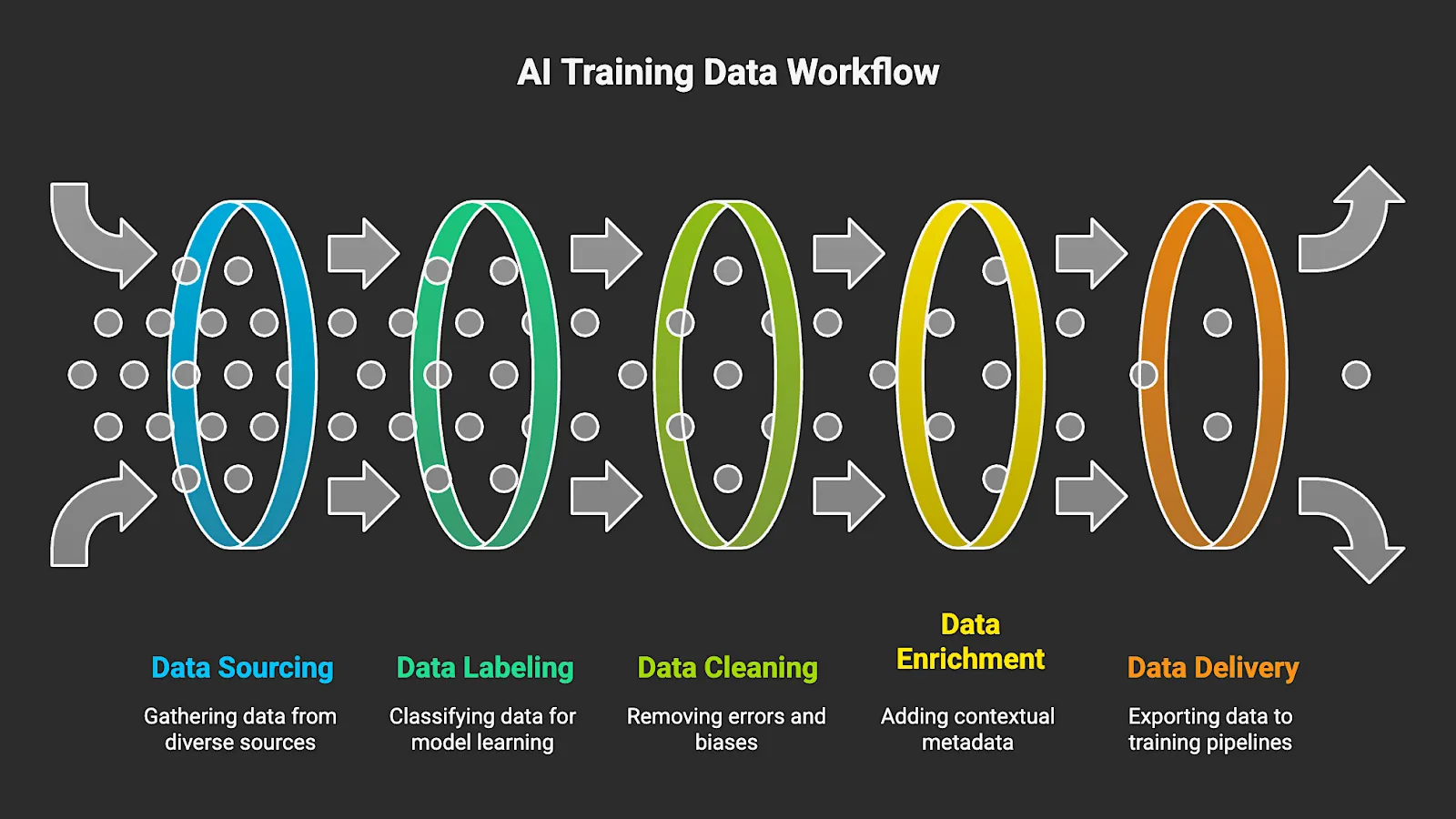
For AI companies, the quality of an AI or LLM model depends on how complete, representative, and current its data is. This workflow provides teams with scalable and predictable training data. It also helps prevent drift and reduces the cleanup work that comes from outdated or inconsistent inputs. In addition, businesses receive the governance visibility that’s needed for auditability and lineage tracking.
Top 8 AI Training Data Solutions by Category
Data Streaming Tools
Structured, compliant, and continuously updated data from public or proprietary sources is automatically gathered and delivered into AI training pipelines by data streaming tools. These platforms maintain current datasets that align with real-world signals by utilizing automated agents and self-healing orchestration, instead of fragile scrapers and manual extraction scripts. In security, a similar shift is happening with frameworks like Continuous Threat Exposure Management, which continuously identifies and prioritizes exposures across an organization’s attack surface. For teams training or fine-tuning models, streaming is the most reliable method for maintaining data quality at scale.
Key features to look for:
- Real-time or scheduled data collection
- Multi-format outputs, including Parquet, CSV, and JSON
- Failed runs are handled within the orchestration layer, including proxy rotation and any retry logic required by the job
- Linkable to a data lake or warehouse, and also integrates seamlessly into most MLOps setups without requiring additional configuration
- Built-in validation and compliance checks that keep datasets accurate and aligned with governance requirements
1. Nimble
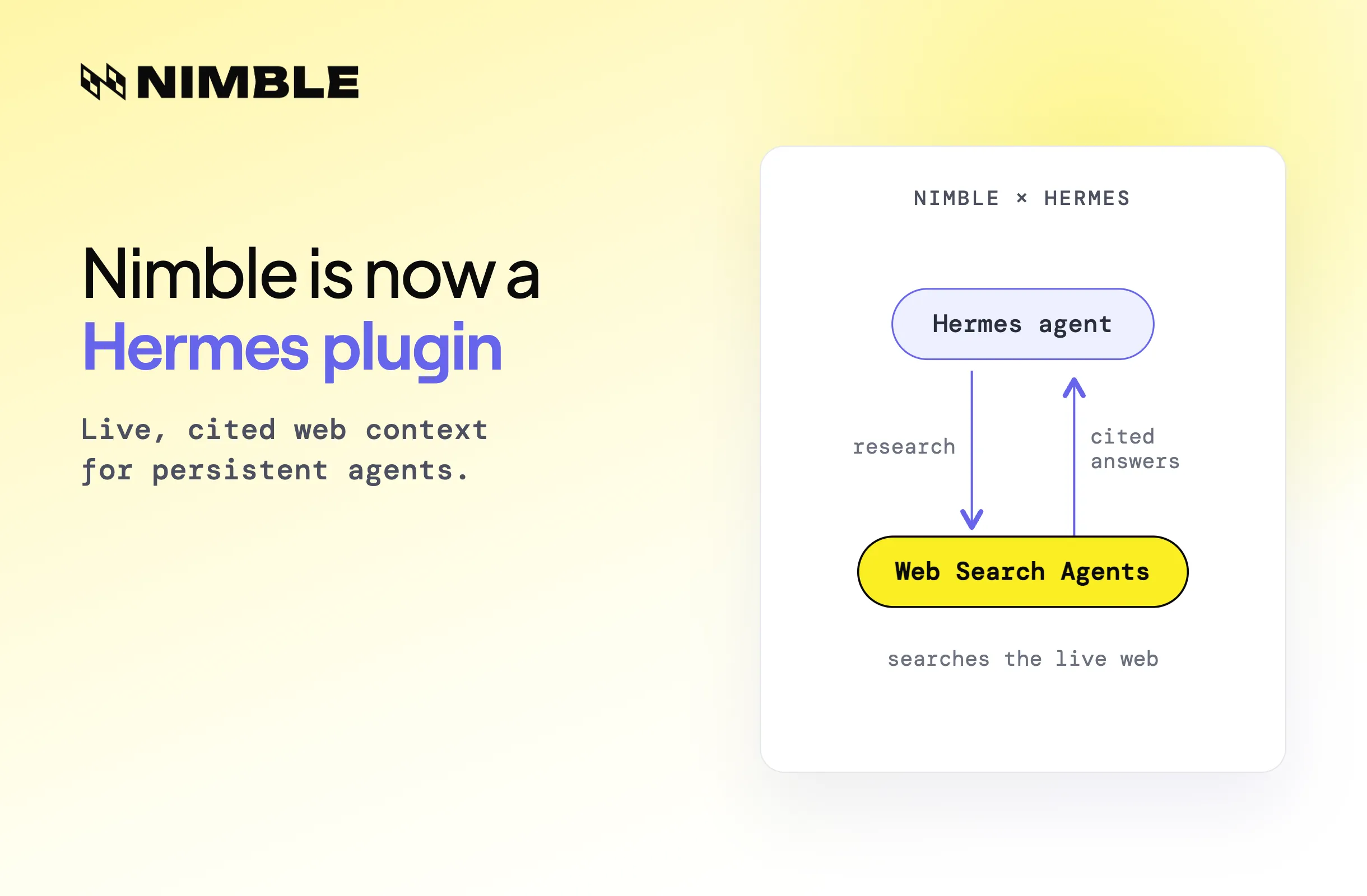
Unlike legacy scraping stacks and static data vendors, Nimble’s Web Search Agents autonomously browse, extract, structure, and stream data from public websites, then deliver analysis-ready outputs into AI pipelines. It keeps your data pipeline updated and ready for any AI or LLM workflow, so you’re not juggling stale snapshots or patching gaps later.
Teams no longer have to maintain brittle extraction logic because the platform handles dynamic pages, anti-bot challenges, shifting page structures, and scale spikes independently. Your organization receives consistent data streams that feed training and fine-tuning with current market signals while avoiding the overhead that comes with outdated infrastructure.
Main Features:
- Autonomous collection of web data, supported by orchestration that automatically retries failed jobs and can be centrally updated when sites change unexpectedly.
- Output options include JSON, CSV, and Parquet, suitable for both real-time delivery and scheduled batches
- Built-in handling for CAPTCHA challenges, IP changes, and geo-routing, which eliminates a significant amount of manual upkeep
- Validation and compliance checks run as part of the workflow, so teams don’t need to bolt them on as fragile, downstream scripts.
- Direct connections to data lakes, warehouses, and the MLOps tooling most teams already depend on
Best for: Teams developing AI and LLMs that rely on structured and real-time web data.
Review: “Nimble’s data platform met our massive data needs out of the box, feeding our large language models with relevant, high-quality data. This scalability has been crucial in developing more robust and reliable AI systems.”
2. TELUS Digital
Telus Digital works across data collection, annotation, and validation, but not in the overly packaged way most platforms pitch it. Some tasks are run through their automated systems because it’s faster, and other parts are handed to people when the job requires actual interpretation or a second look.
Main Features:
- Annotation support for NLP, vision, and speech models
- Human-in-the-loop QA layers to keep accuracy tight
- Global workforce options for niche or domain-heavy tasks
- Secure AI workspaces built for regulated, high-sensitivity data
- Workflow tooling for multi-step checks, validation, and final review
Best for: Teams needing large, human-validated datasets for conversational AI, voice systems, image classification, or content safety workloads.
Review: “When we look for partners to label data, we look for groups (like Telus) that have a wellness-first perspective and the capability to bring rigor to a complex problem.”
Data Labeling Tools
Data labeling tools take raw text, images, audio, and video and give them the structure AI models need. AI data classification plays a central role in turning that raw content into structured training inputs. Some data is tagged, while other data is classified. Additionally, some data requires the identification of entities or the use of bounding boxes. The result is organized training input that lets models pick up real patterns instead of stumbling through unstructured noise.
Key features to look for:
- Support for multiple data types, including text, image, video, and audio
- Automation features such as model-assisted labeling or active learning
- Tools for managing annotation consistency across large teams, especially when multiple reviewers handle the same dataset
- Integration options that send labeled data straight into training or analytics workflows
- Secure data handling designed for enterprise environments
3. Appen
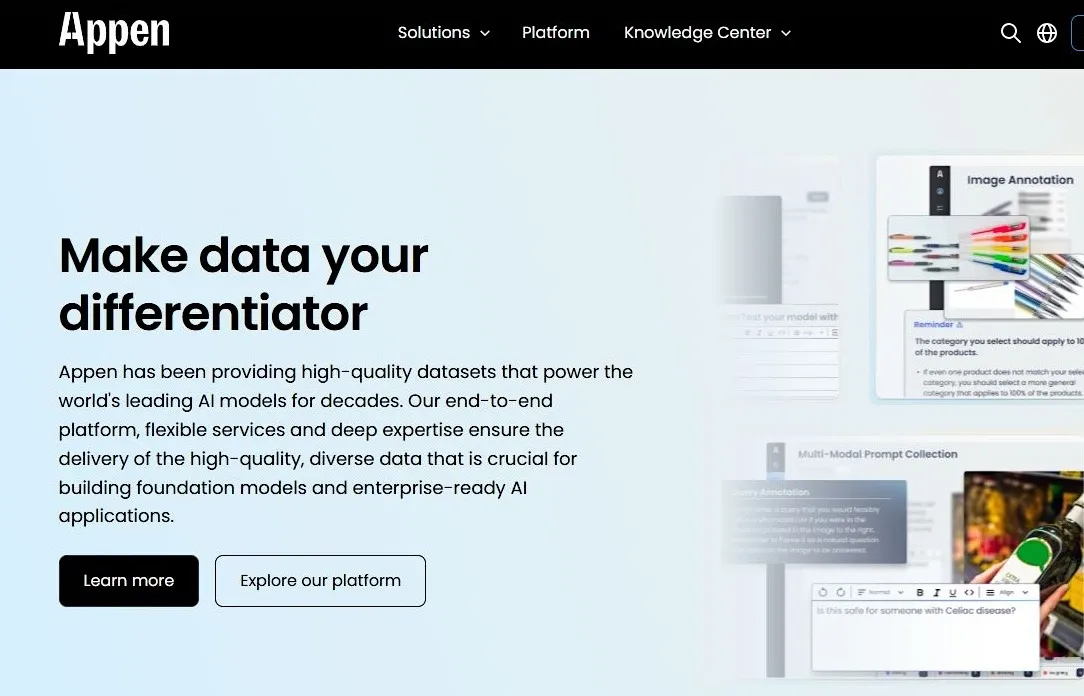
Appen runs large-scale data labeling programs using a mix of automation and a global pool of experienced annotators. It’s built to handle multimodal workloads across NLP, vision, and speech, and it keeps production tight with structured review steps and accuracy scoring.
Main Features:
- Model-assisted labeling to speed up throughput
- QA workflows with layered checks
- Managed annotation teams for long-term projects
- Tools to monitor bias and improve overall dataset quality
Best for: Teams working with supervised data that need to maintain accurate labeling.
Review: “Appen’s experience with data across the AI lifecycle will be a critical step forward for helping enterprises accelerate building, deploying and adoption of customizable AI…”
4. Scale AI
Scale solves the bottleneck of producing high-quality, accurately labeled data for complex AI systems. In fields like robotics, autonomous driving, mapping, computer vision, and multimodal LLMs, models fail when the training data is inconsistent, incomplete, or incorrectly annotated.
Main Features:
- Automated annotation with human verification where it matters
- Support for 2D and 3D vision, sensor fusion, and full video workflows
- Active learning loops that cut down the manual labeling load
- Quality review steps with gold standard checks baked in
- Secure, auditable infrastructure suited for enterprise deployments
Best for: Companies training advanced perception models, robotics systems, self-driving applications, or multimodal AI, which require precision labels.
Review: “We partnered with Scale AI to work with enterprises to adopt Llama and train custom models with their own data.”
Data Cleaning Tools
Data cleaning tools identify issues in large datasets and resolve them at scale. They handle duplicates, mismatched fields, unusual values, and bulk record checks without slowing down teams. The result is cleaner input data, making model training significantly more reliable. Model performance is directly enhanced by clean data, which also lowers noise and keeps errors or missing information from distorting training cycles.
Key features to look for:
- Automatic detection of duplicate records, outliers, or formatting problems without manual checks.
- Connectors that reliably sync with modern cloud warehouses instead of requiring workarounds.
- Lineage details and validation summaries that are clear enough to pass to governance teams as-is.
- Processing capacity for both clean, structured datasets and the more inconsistent semi-structured files that many teams rely on.
5. Numerous.ai
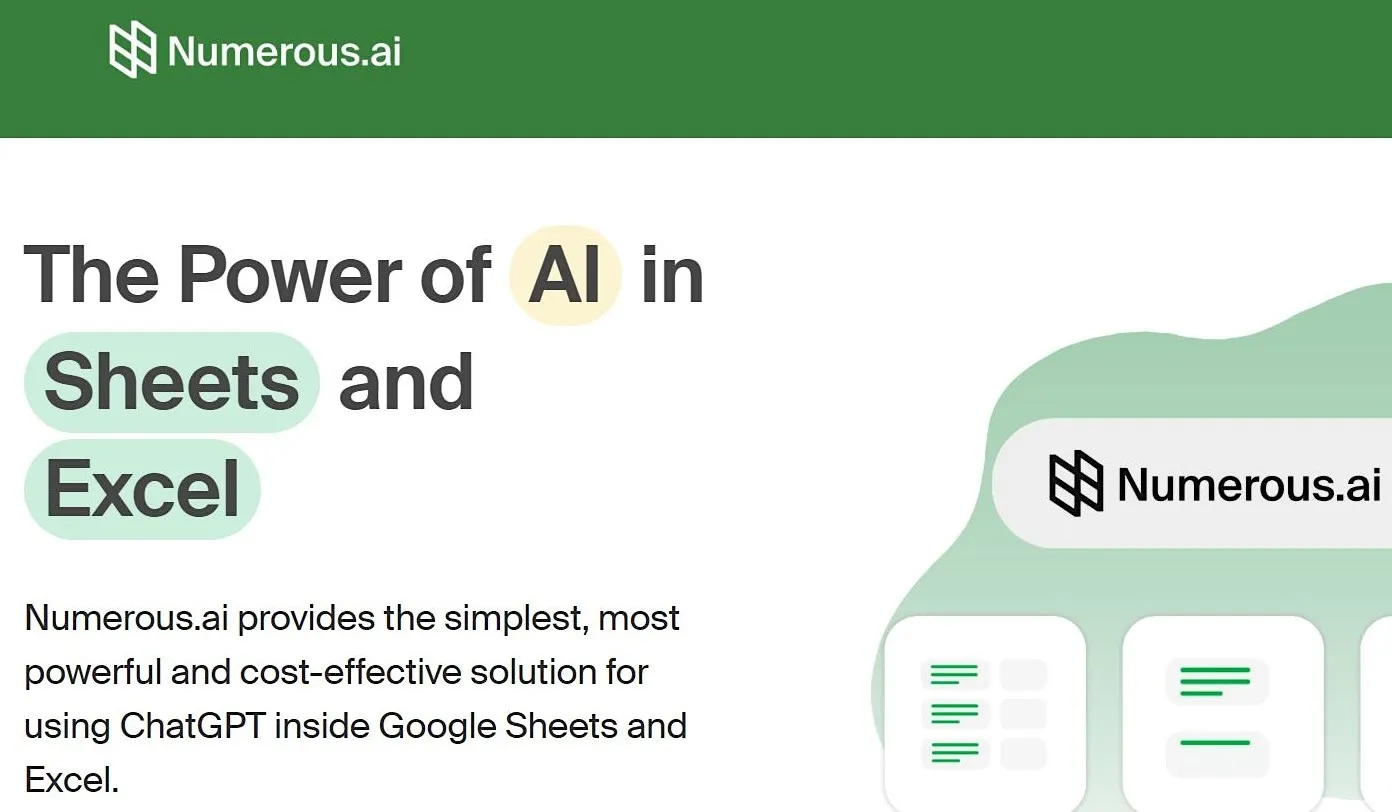
Numerous.ai is an AI-assisted spreadsheet tool that helps teams clean and standardize data directly inside Google Sheets and Excel. It addresses the issue of duplicate records, mismatched fields, and schema drift disrupting pipelines or distorting results, which slows down AI and analytics work. Numerous improves the consistency of large datasets by using AI to rewrite, structure, and normalize messy or unformatted fields.
Main features:
- Works as an add-on for Google Sheets and Excel
- Uses a simple =AI formula for cell-level operations
- Supports prompt-based instructions applied to single cells or ranges
- Requires no API keys or external setup
Best for: Spreadsheet-heavy AI data teams that need quicker, AI-supported cleanup and normalization.
Review: “I really hope Numerous keeps growing and improving, it's a really neat tool to have in your toolbox.”
6. Powerdrill Bloom

Powerdrill Bloom is a no-code, AI-powered data analysis and visualization tool that helps teams clean, interpret, and present data without writing scripts. Users can upload spreadsheets or CSV files and work with the platform through a conversational interface. The tool relies on a coordinated set of AI agents for cleaning, analysis, interpretation, visualization, and verification so the outputs stay consistent and accurate.
Main Features:
- No-code, conversational interface for asking data questions in plain English
- AI agents that handle cleaning, analysis, visualization, interpretation, and verification
- Automated generation of reports and polished PowerPoint presentations
- Integrations with Google Drive, Notion, Excel, and similar workflow tools
- Support for multiple data types, including spreadsheet files and CSV uploads
Best for: Non-technical teams that need fast data cleaning, quick interpretations, and auto-generated reports without coding.
Review: “The integrations with common formats like Excel and SQL is easy, and it fits right into my workflow without needing extra tools.”
Data Enrichment Tools
Data enrichment tools take raw datasets and expand the context by adding missing or domain-specific attributes, making the data more complete. They can attach firmographics, behavioral signals, location data, or other domain-specific details that models typically lack. This additional context enables models to classify, predict, and personalize with greater precision.
Key features to look for:
- Real-time or batch enrichment APIs for flexible integration
- Coverage of firmographic, behavioral, or geographic attributes
- Accuracy scoring and clear sourcing transparency
- Connections to CRM systems, data warehouses, or analytics environments
7. HabileData
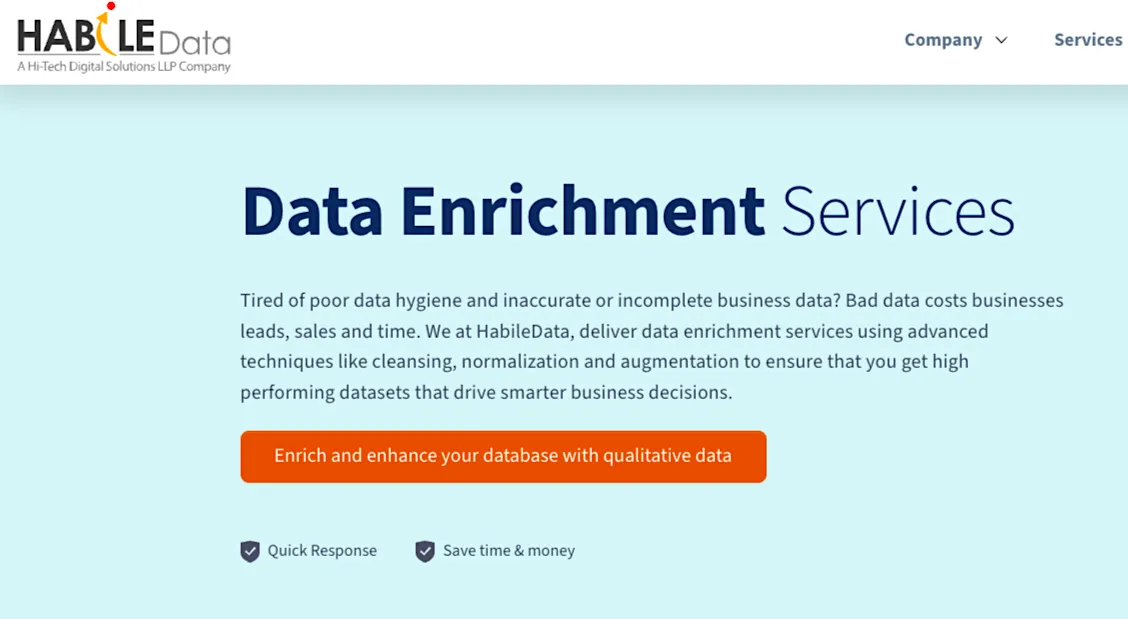
HabileData tackles the issue of missing or inconsistent fields that weaken AI training data. Teams often overlook incomplete records or values that don’t align, which forces models to make assumptions. By filling those gaps, the platform maintains stable outputs and prevents reliability issues in the future.
Main Features:
- Firmographic, geographic, and demographic data enrichment
- Batch and real-time enrichment workflows
- Accuracy scoring and transparent data sourcing
- CRM and warehouse integrations for unified records
- Custom attribute creation based on business requirements
Best for: Organizations needing enriched customer, product, or market datasets for segmentation, scoring, or forecasting.
Review: “The team is tasked with…data processing for one of the most complex data processing clients..”
8. Unstructured.io
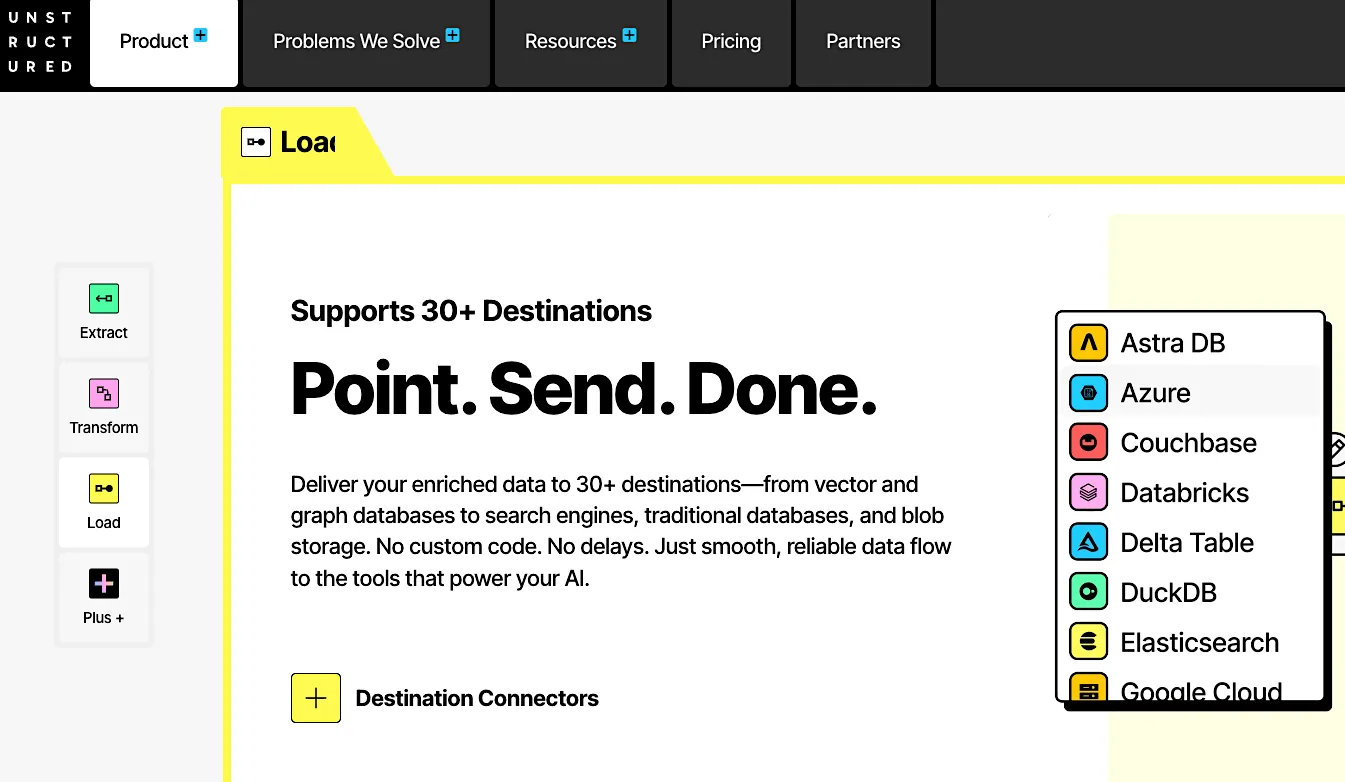
Unstructured.io turns unstructured content such as PDFs, emails, images, and Office documents into structured, enriched data that is ready for AI workloads. After extracting the text, it automatically adds metadata, structure, and contextual signals so models can retrieve and understand documents more precisely across RAG, search, and training pipelines.
Main Features:
- Support for 60+ file types
- Partitioning and chunking strategies that structure documents into AI-ready segments
- Enrichment layers for better retrieval
- Optional embeddings and connectors to route enriched outputs into vector stores and other destinations
- APIs and workflow tools that let teams run enrichment at scale inside existing data pipelines
Best for: Teams preparing large volumes of unstructured enterprise content for RAG, search, or LLM training that need consistently enriched, metadata-heavy documents.
Review: “In the age of artificial intelligence, Unstructured helps businesses solve a problem: how to turn their data into useful, machine-readable formats.”
Keep Your Models Aligned with Nimble
Modern AI systems rely on AI training data solutions to maintain complete, representative, and current datasets as conditions evolve. These solutions help teams collect, label, clean, and enrich data in a structured and reliable manner that manual methods cannot sustain at scale. Their value lies in keeping AI training data usable and compliant as it evolves. But few teams can maintain that level of consistency without a platform built for continuous training data.
Nimble makes real-time data viable at scale. Our Web Search Agents produce structured and validated outputs without the failure points of scraper stacks. There is no proxy juggling or IP rotation, and teams avoid the brittle logic that older scrapers require. You get consistent data streams that slot straight into training and fine-tuning. The constant data freshness keeps models aligned with current market signals and reduces the overhead associated with maintaining outdated pipelines.
Try a Nimble demo today to explore AI training data pipelines built on reliable, continuously updated data.
FAQ
Answers to frequently asked questions
.webp)

.png)
.webp)
.webp)
.webp)