









Know Who’s in the Room Before You Walk In


.avif)
Ilan Chemla
.webp)
Know Who’s in the Room Before You Walk In
Ilan Chemla


Most popular articles


Get structured, reliable data for your stack.
Know Who’s in the Room Before You Walk In
Nimble’s meeting-prep skill turns the live web into a briefing your assistant builds for you.
First post in our series, Inside Nimble Web Search Skills. We'll cover the library one skill at a time, starting with meeting-prep.
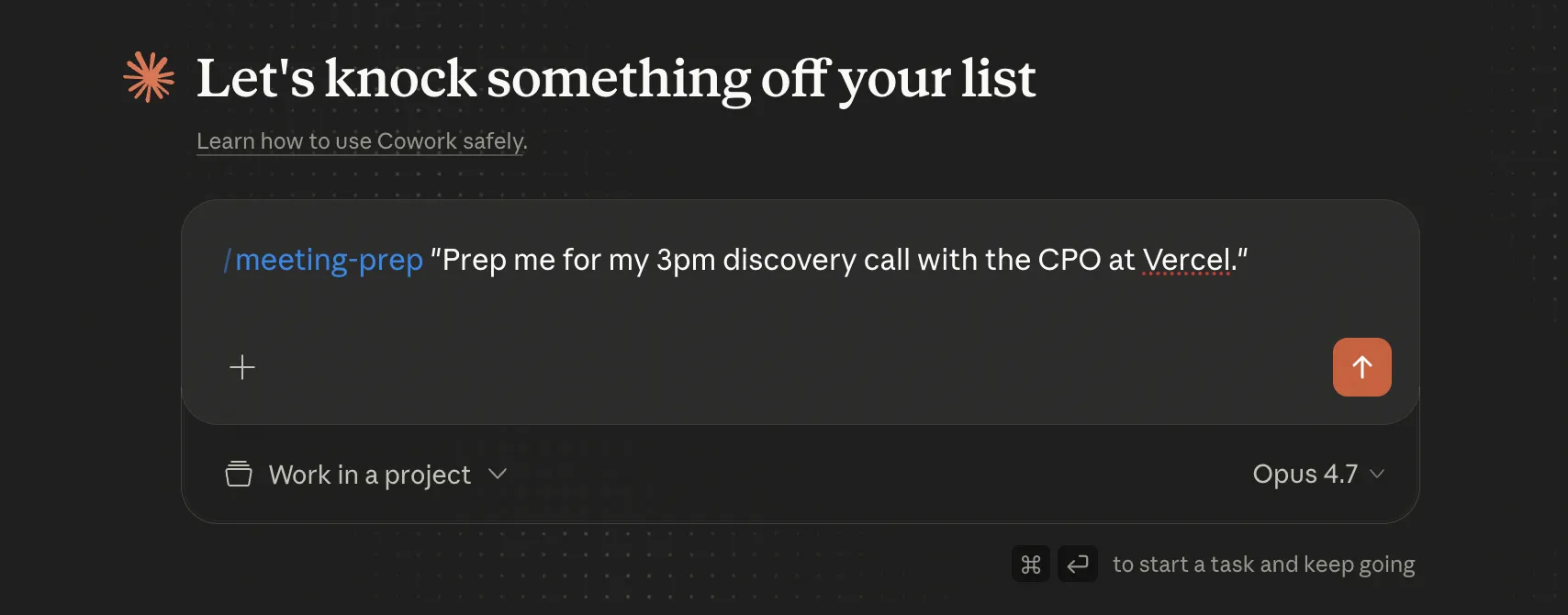
Honestly, I don't prep for meetings. Back-to-back calendar, no thirty-minute window anywhere. The version of prep that actually happens is a glance at LinkedIn between calls, a quick Slack ping if anyone on the team has context, the company homepage open on the walk over. Then I hope the intro round gives me enough to ask decent questions.
What if I could walk in already knowing everything? Who I'm meeting. What their company does. Their products, their challenges, how they position themselves.
Most leaders accept this as a cost of doing business. Too many meetings, too little time per meeting, and the research that would actually change the outcome takes thirty minutes you don't have. I assumed the same thing.
Then I tried something different. AI assistants can do this work for you now. Not in the vague "ask ChatGPT" way. As a structured, repeatable process that runs in the background before your calendar fills up.
Ask "prep me for my 3pm with Sarah at WidgetCo" and a properly equipped assistant produces a structured briefing. Who Sarah is. What she's been working on. What's happening at WidgetCo right now. What to actually talk about. But getting that output isn't automatic. The obvious way of asking falls short.
Why the obvious version doesn’t work
The first thing most people try is some version of: "Hey AI, tell me about [person] at [company]." It feels like it should just work. Mostly it doesn't. Three reasons.
First, the AI is reading from training data that's months or years old. It might know the company raised a Series B in 2023, but not the C they closed in February. It might know the person was at Stripe, not that they joined a new company six weeks ago.
Second, even when an AI assistant has live web access, the pages that matter for meeting prep are built for full browsers, not plain HTTP requests. LinkedIn profiles. Crunchbase entries. Recent press. Conference talks. JavaScript rendering, lazy-loaded content, and anti-bot defenses mean a generic web fetch returns broken or empty pages, even when the underlying content is meant to be visible to a human reader.
Third, and most overlooked. The AI doesn't have a research strategy. It might check Wikipedia. It might land on the company's homepage. It won't think to cross-reference a recent funding round against a hiring page, scan the engineering blog for product signals, or find the podcast where the person explained their thinking last month. Pre-meeting research isn't two sources. It's six or seven. A generic assistant doesn't know which six or seven to pick.
So the obvious version produces a brief that looks comprehensive but quietly omits everything that's happened recently. Which is the part that matters.
How those gaps get closed
The first is the Agent Skills protocol, an open standard for packaging instructions and resources into a folder your assistant can load when a task fits. Originally from Anthropic, now cross-platform across Claude, Cursor, and others. It's the container. The place where procedural knowledge lives.
The second is Nimble's Web Tools. Search, extract, map, crawl. Pre-built Web Search Agents that handle JavaScript rendering and anti-bot for the sites that matter (LinkedIn, Crunchbase, news platforms, company blogs). This is the live web data layer that an assistant on its own doesn't have.
The third is Nimble's Web Search Skills framework, the orchestration layer that ties the protocol and the data together. It plans the research strategy. It runs parallel searches and batched extractions. It accumulates knowledge across runs in an LLM-wiki format readable by Obsidian. Distribution into Notion or Slack is built in. So is asking for clarification when something's ambiguous, and spawning background research agents that work in parallel.
Each layer alone doesn't solve the problem. The protocol without the data is just instructions wrapping the same stale training. The data without the framework is APIs you'd wire up by hand for every meeting. The framework alone has nothing to run on. Together, they cover the three gaps.
Take one example. The skill discovers that WidgetCo's CTO posted on LinkedIn last week about a Snowflake migration. It cross-references that against your business profile and finds you have a Snowflake-native integration. The brief surfaces it as a talking point with the source link attached. You walk into the call ready to lead with the migration, and you can show them exactly what the assistant found.
The result isn't a smarter model. It's a workflow, the live web wired in, and the orchestration to tie them together. That's what makes the output 10x more useful than the generic version.
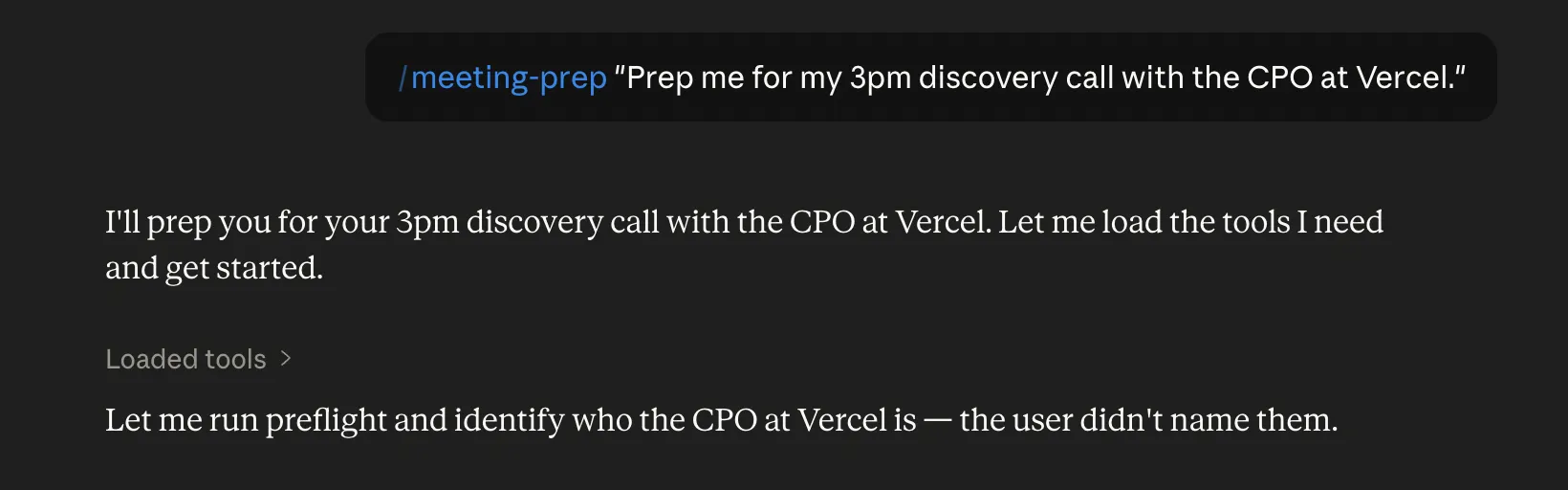
A few things are worth a closer look.
Memory
Every prep run writes structured profiles to a local knowledge base. People, companies, prior meeting notes, cross-references. The format isn’t proprietary. It’s plain markdown with Obsidian-style wiki links, the same pattern Andrej Karpathy proposed for LLM-maintained knowledge bases. Point Obsidian at the folder. The graph view shows the people, companies, and connections the skill has built. The next time you prep for the same person, the skill loads what’s already there and only researches what’s new. Over months, an organization builds a real relationship graph. Who at the customer was promoted, what was open from the last call, which competitors keep showing up in their stack.
Talking points, not just background

The brief doesn’t stop at who they are and what their company does. It includes three to five specific talking points grounded in live signals. A post the attendee made last week. A hiring move at the company. News that broke this morning. For sales-shaped meetings, it goes a step further. By cross-referencing those signals against your own company’s profile (differentiators, integrations, case studies, tracked competitors), it produces concrete positioning. The output stops being generic advice (“highlight your strengths”) and starts being specific. “WidgetCo migrated to Snowflake last quarter, your Snowflake-native integration is a direct hook.” Or “they’re publicly evaluating CompetitorX, pull the displacement case study from your Q1 customer story.” You don’t walk in with a research file. You walk in with a structured set of things to say, calibrated to who’s across the table and what’s actually going on at their company this week.
Multi-attendee maps.
When more than one person is in the meeting, the skill produces a relationship map. Shared employers, mutual connections, dynamics between attendees. That’s the difference between knowing names and knowing the room.
Where the brief goes
The brief doesn’t have to live in the chat window. Once it’s generated, the skill can push it into Notion as a meeting note, post a summary to a Slack channel, or render it as an interactive HTML page you can keep open during the call. Every claim, source one click away.
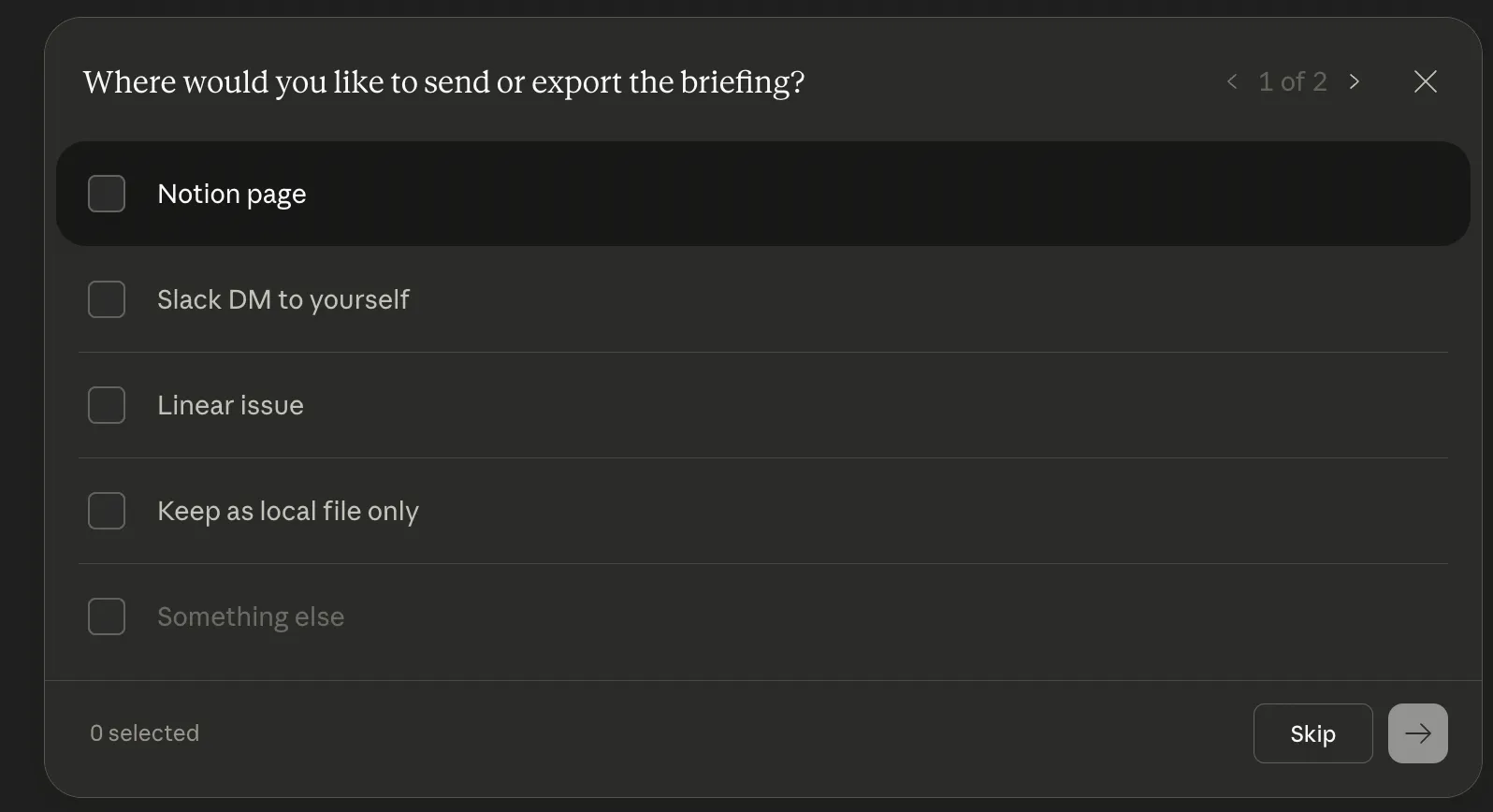
The skill is also portable across surfaces. Plug it into a personal AI on Telegram (OpenClaw, for instance) and the same prep happens on your phone. Five minutes before a coffee meeting, you ask for “a quick read on the person I’m meeting at 3” and get a structured brief on the ride over.
Skills are capabilities. They run wherever your assistant runs.
Try it
The setup is simple. Add the Nimble MCP connector to your Claude environment, then install the Nimble plugin from the Anthropic & Partner listings. Full instructions live in the Nimble connector docs.
Then talk to your assistant the way you would anyway:
"Prep me for my 3pm discovery call with the CPO at Vercel."
"Quick brief on the head of data infra I'm meeting at a conference next week. Stripe."
"What's changed at Intercom in the last 6 months? I have a re-engagement call with their CTO on Friday."
Or schedule it to run automatically before every external meeting on your calendar. The full skill is at github.com/Nimbleway/agent-skills and in the Nimble plugin marketplace.
The next meeting on your calendar is the test. Five minutes before it starts, ask for the brief. See what comes back.
What's next
Future posts cover competitor-intel, company-deep-dive, market-finder, and the rest of the library.
Pick the one that fits the work you're doing.
FAQ
Answers to frequently asked questions
.webp)
.webp)
.webp)
.webp)